Direct image model entry
Open the workspace with Seedream 4.5 selected.
 VAN GOGH
Seedream 4.5
Use Seedream 4.5 in one workspace for image concepts, campaign visuals, product scenes, character exploration, and model comparison.
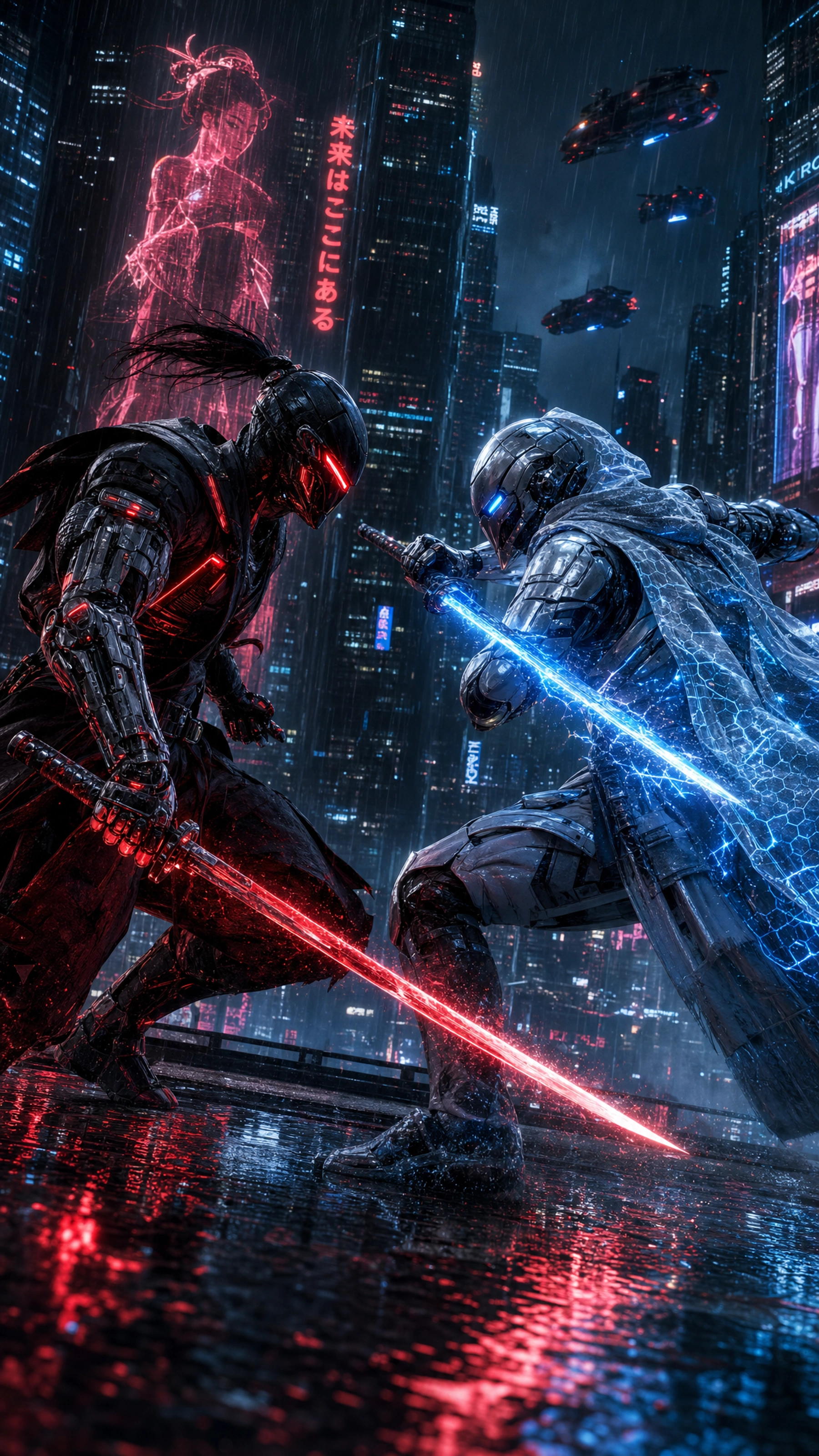
Use cases
Seedream 4.5 gives image creators a dedicated model entry for prompt-driven visual exploration.
Open the workspace with Seedream 4.5 selected.
Generate images from detailed creative direction and style prompts.
Compare Seedream with Nano Banana Pro, GPT Image 2, and other image models.
Workflow
Open VAN GOGH with Seedream 4.5 selected.
Describe subject, style, aspect ratio, lighting, and visual goal.
Create images and keep iterating in the same workspace.
FAQ
Yes. In VAN GOGH, Seedream 4.5 is a directly accessible image generation model entry.
Yes. The workspace supports switching between available image models.
Yes. Generated images can be reused in projects and workflow canvases.