High-quality output
Generate polished images from detailed text prompts.
 VAN GOGH
GPT Image 2
Use GPT Image 2 in VAN GOGH for prompt-based image generation, visual concept exploration, and production-ready iteration.
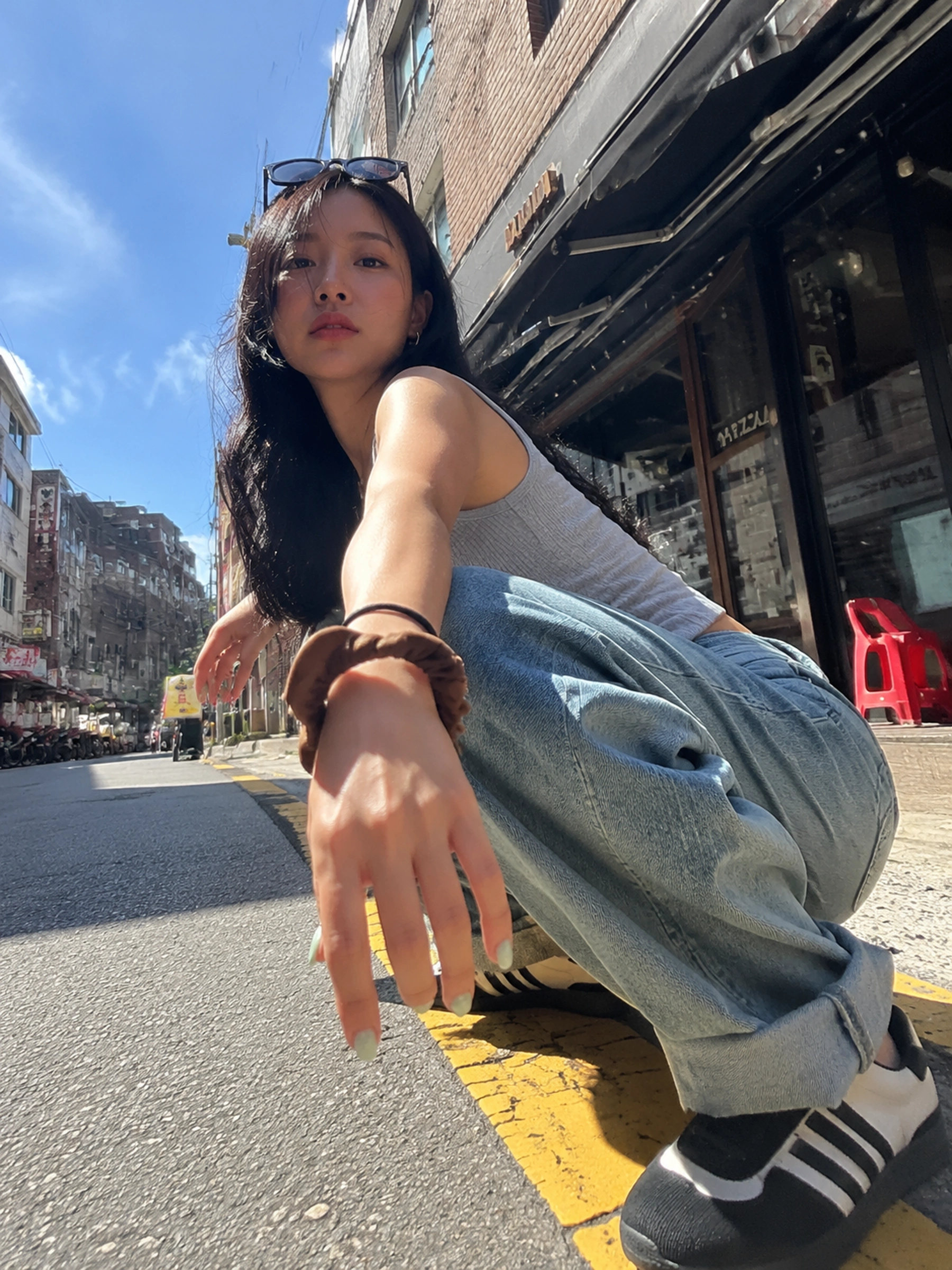
Use cases
Control subject, light, composition, aspect ratio, and finish through detailed prompts, then jump directly into creation from this model page.
Generate polished images from detailed text prompts.
Control subject, style, lighting, composition, and frame.
Compare GPT Image 2 with other image models in the same workspace.
Workflow
Open the workspace with GPT Image 2 selected.
Add subject, mood, framing, and style details.
Review output and keep iterating in VAN GOGH.
FAQ
GPT Image 2 is useful for high-quality prompt-based image generation in the VAN GOGH workspace.
Yes. This page opens VAN GOGH with GPT Image 2 selected.
Yes. You can switch between GPT Image 2, Nano Banana Pro, Seedream, and other image models in the workspace.