
All-in-one AI creative studio VAN GOGH
Image generation, video synthesis, music creation, and workflow orchestration in one workspace
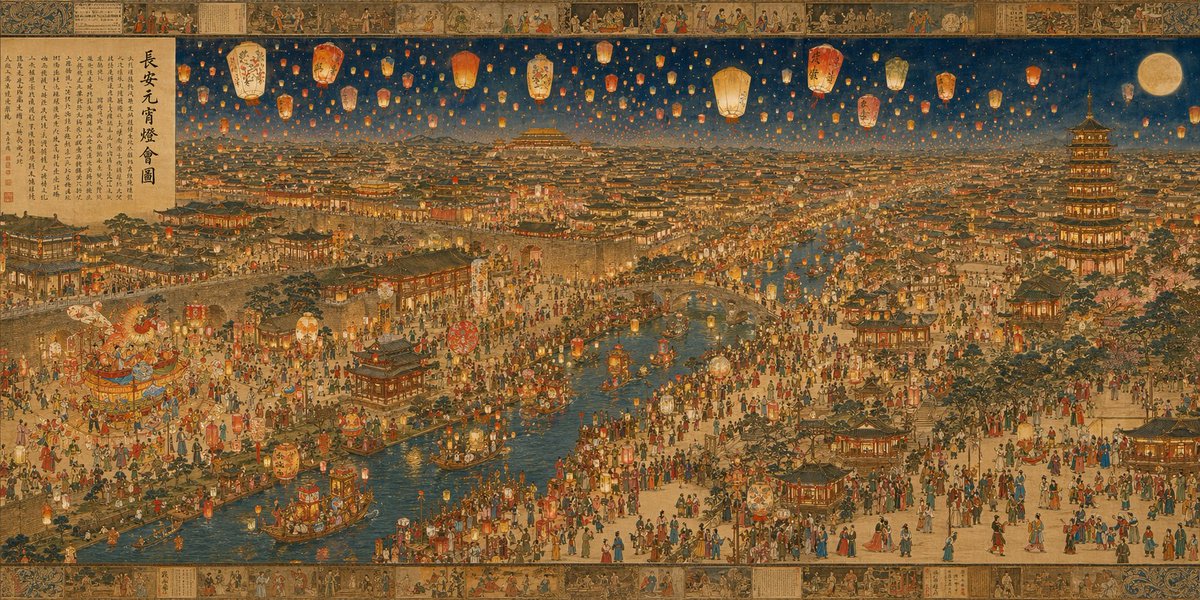
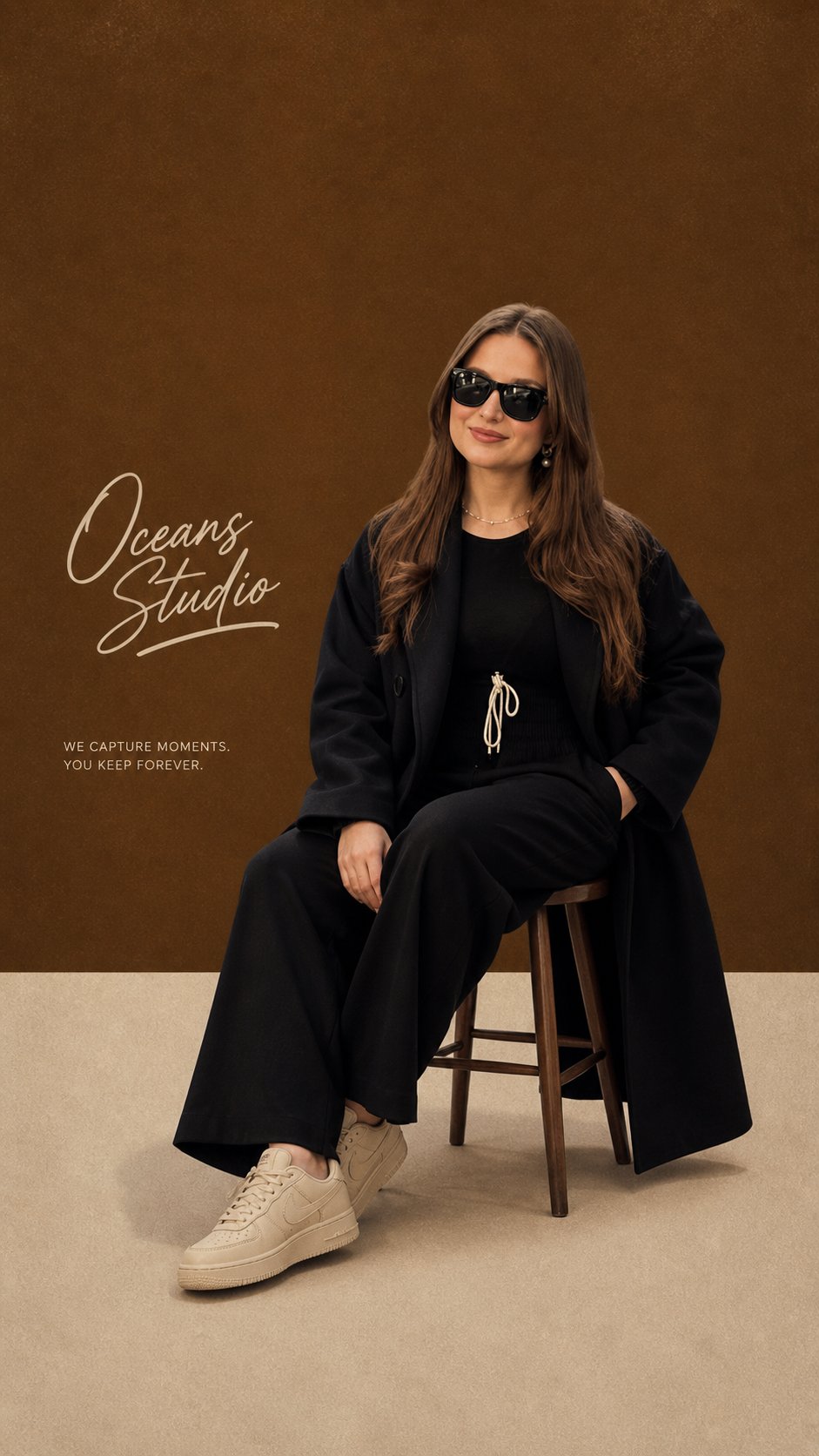
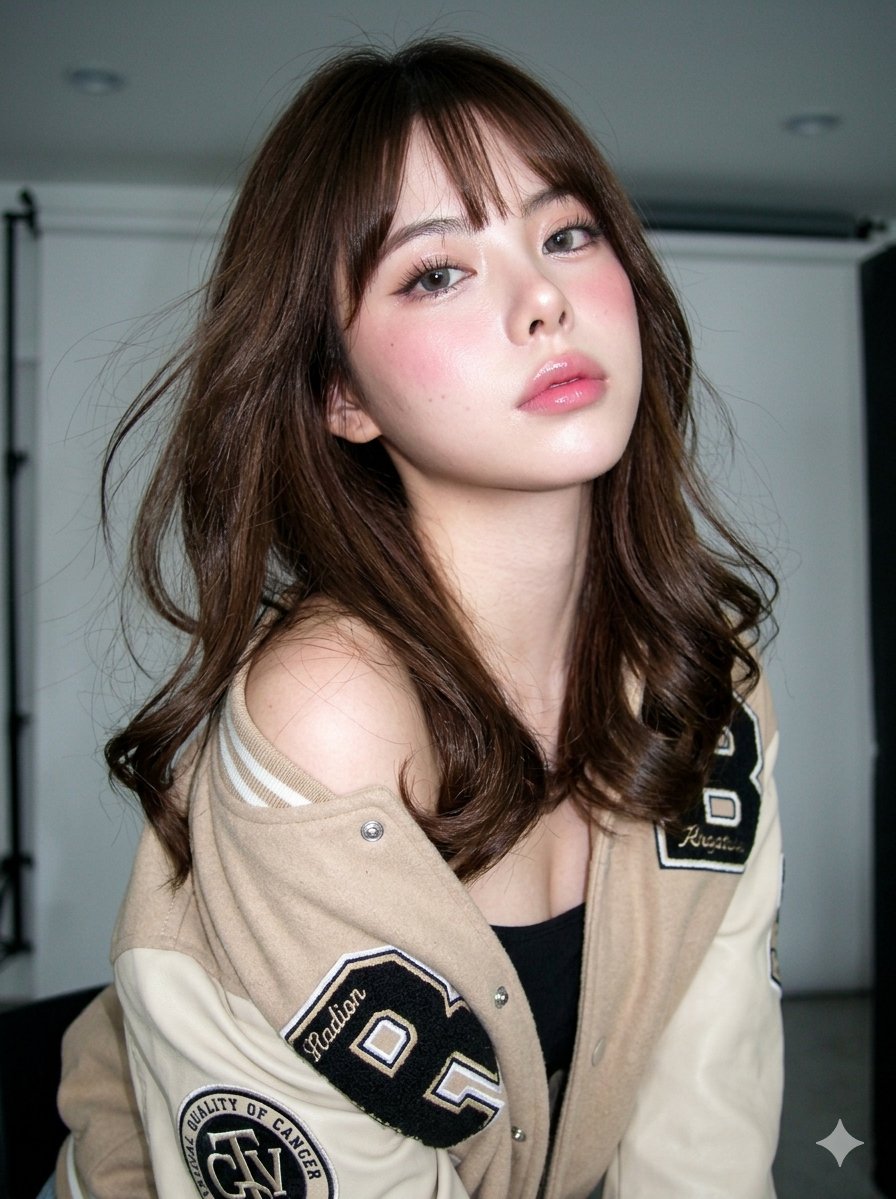
Recent Projects
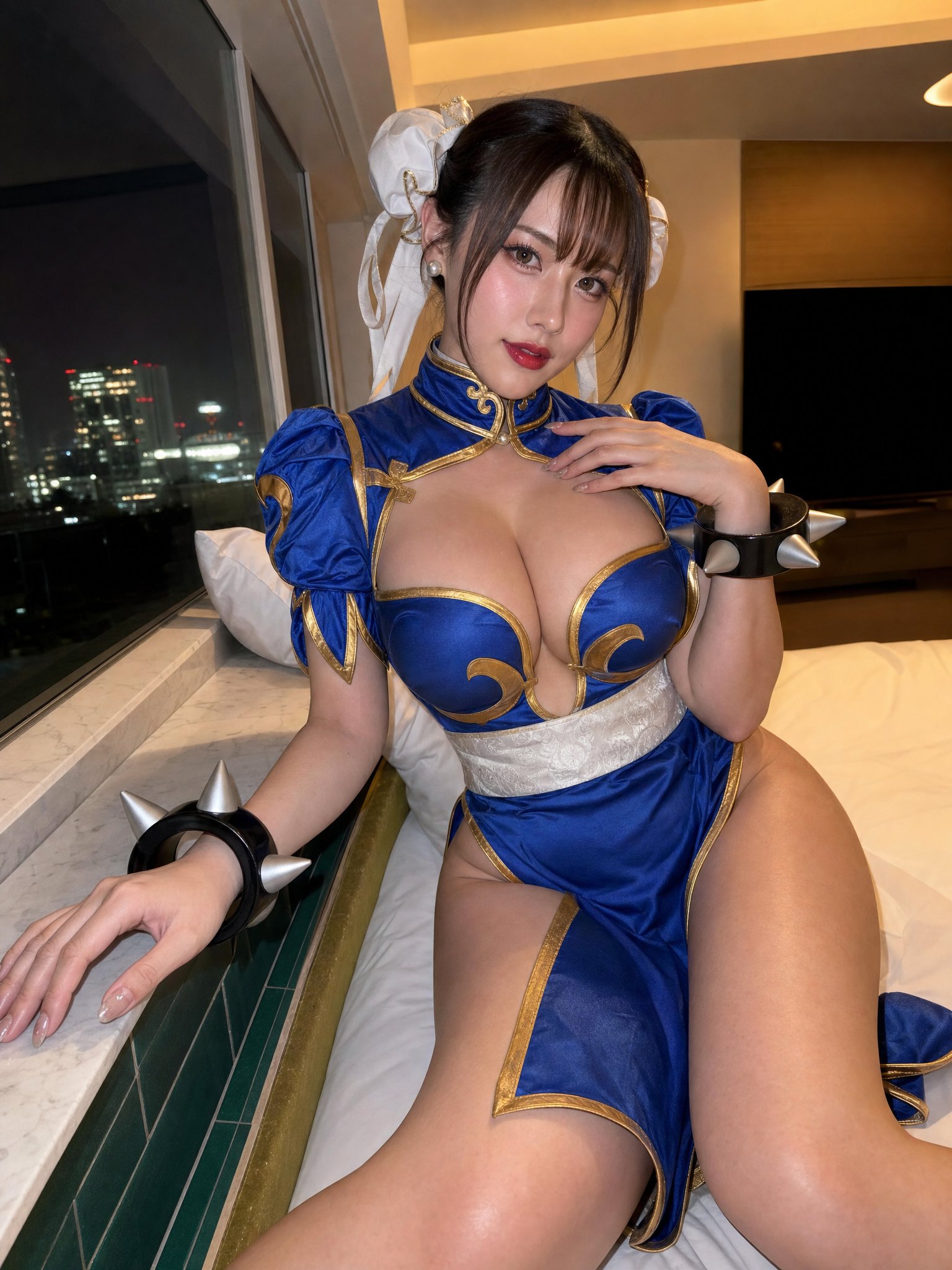
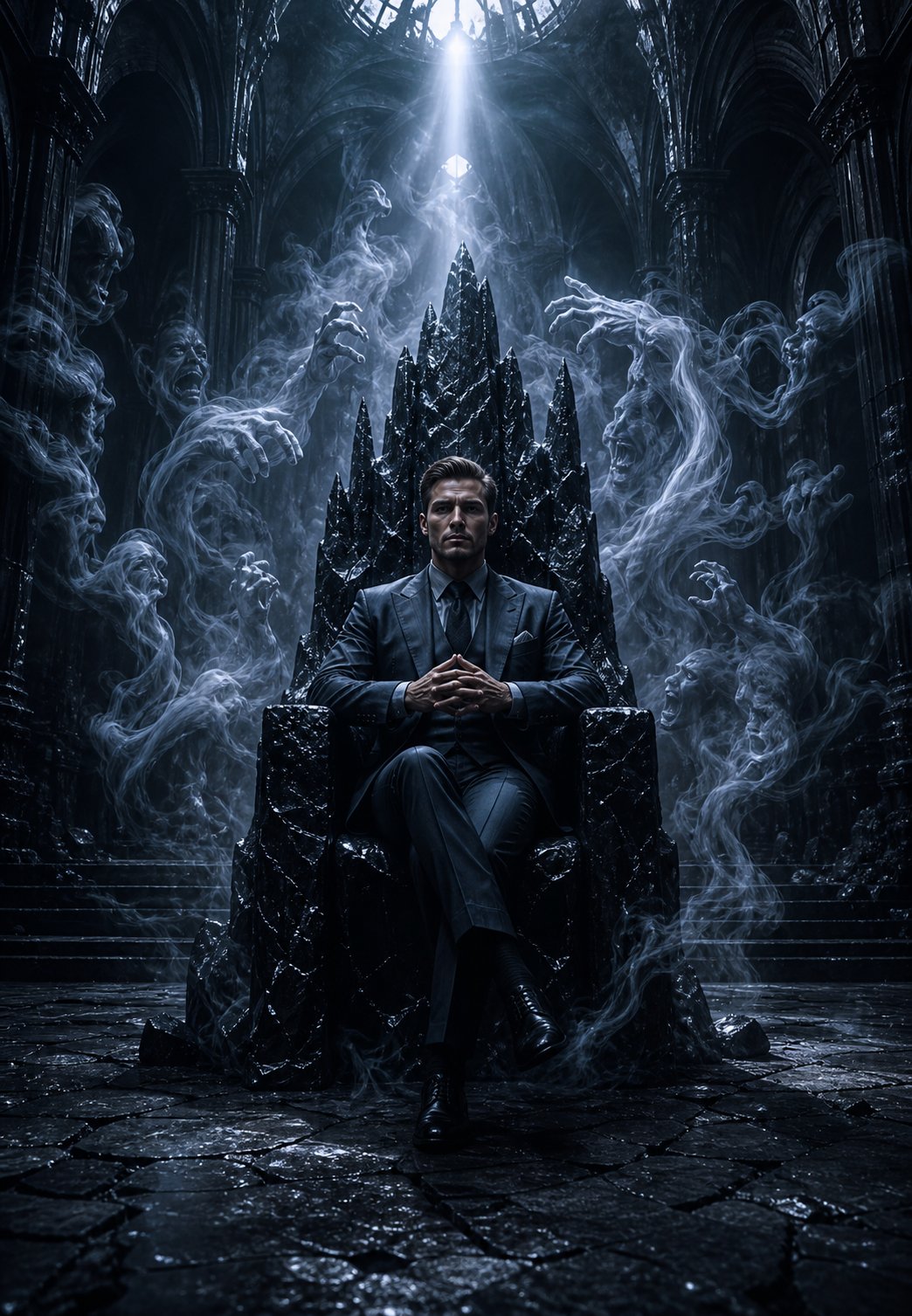
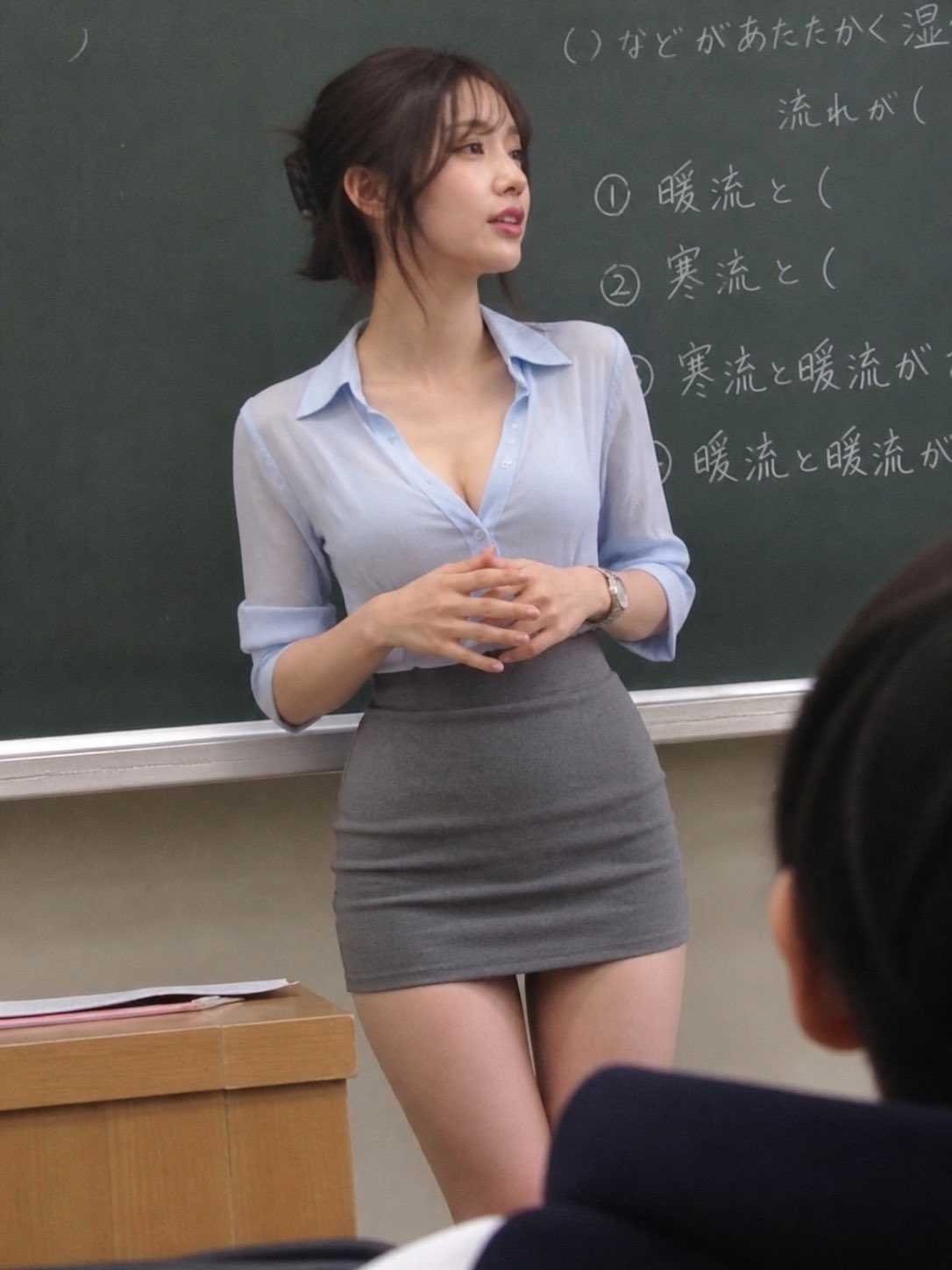
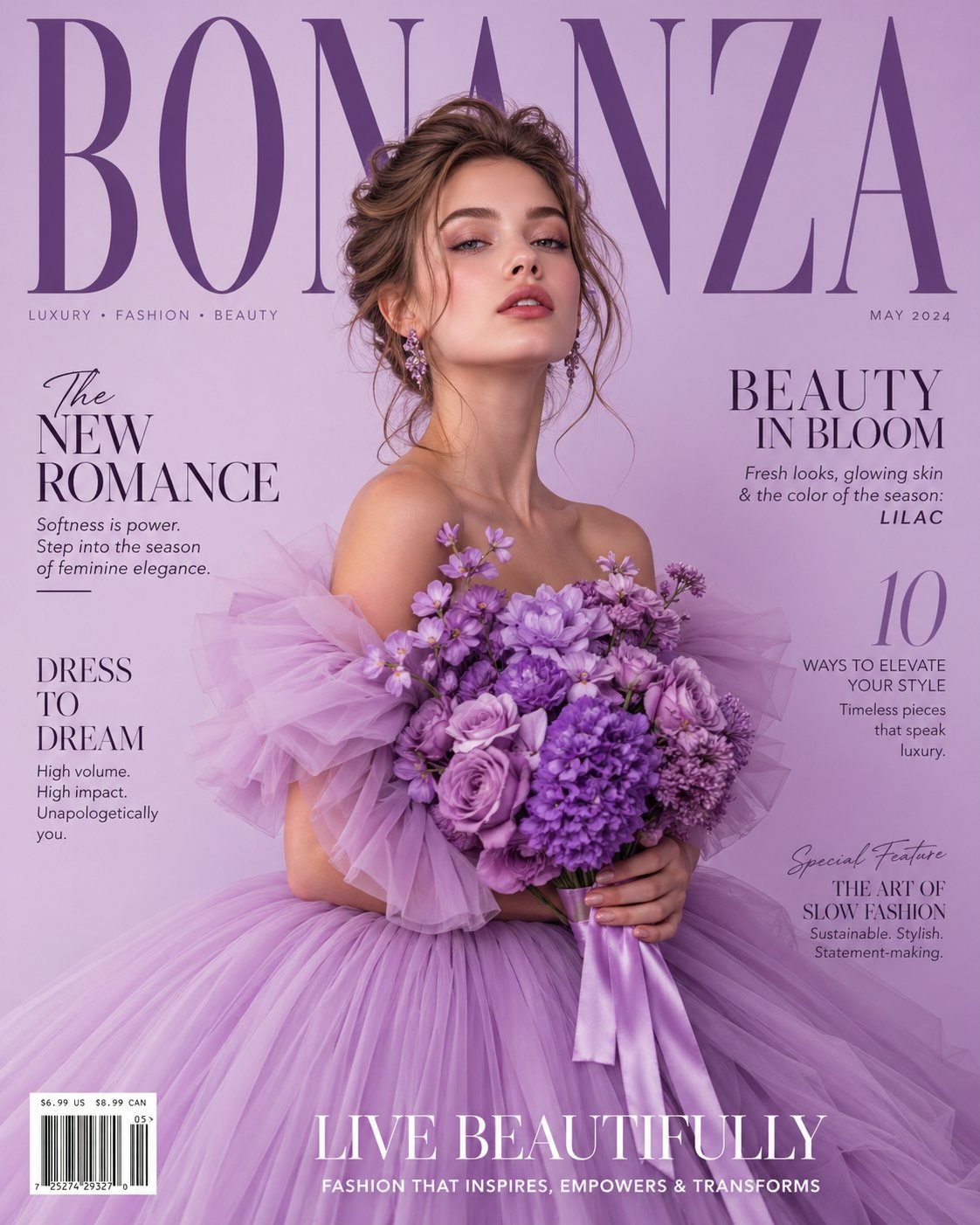
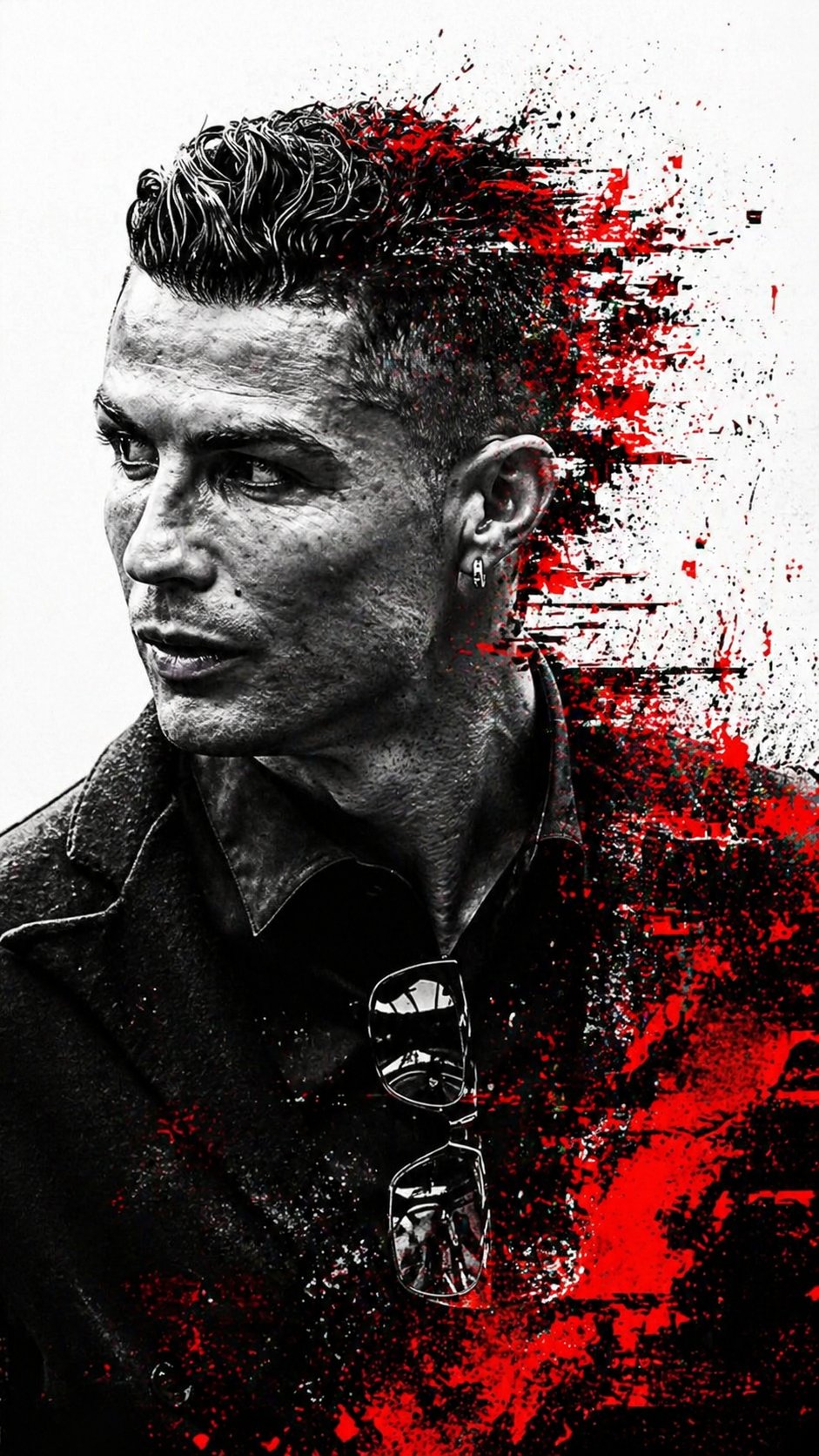
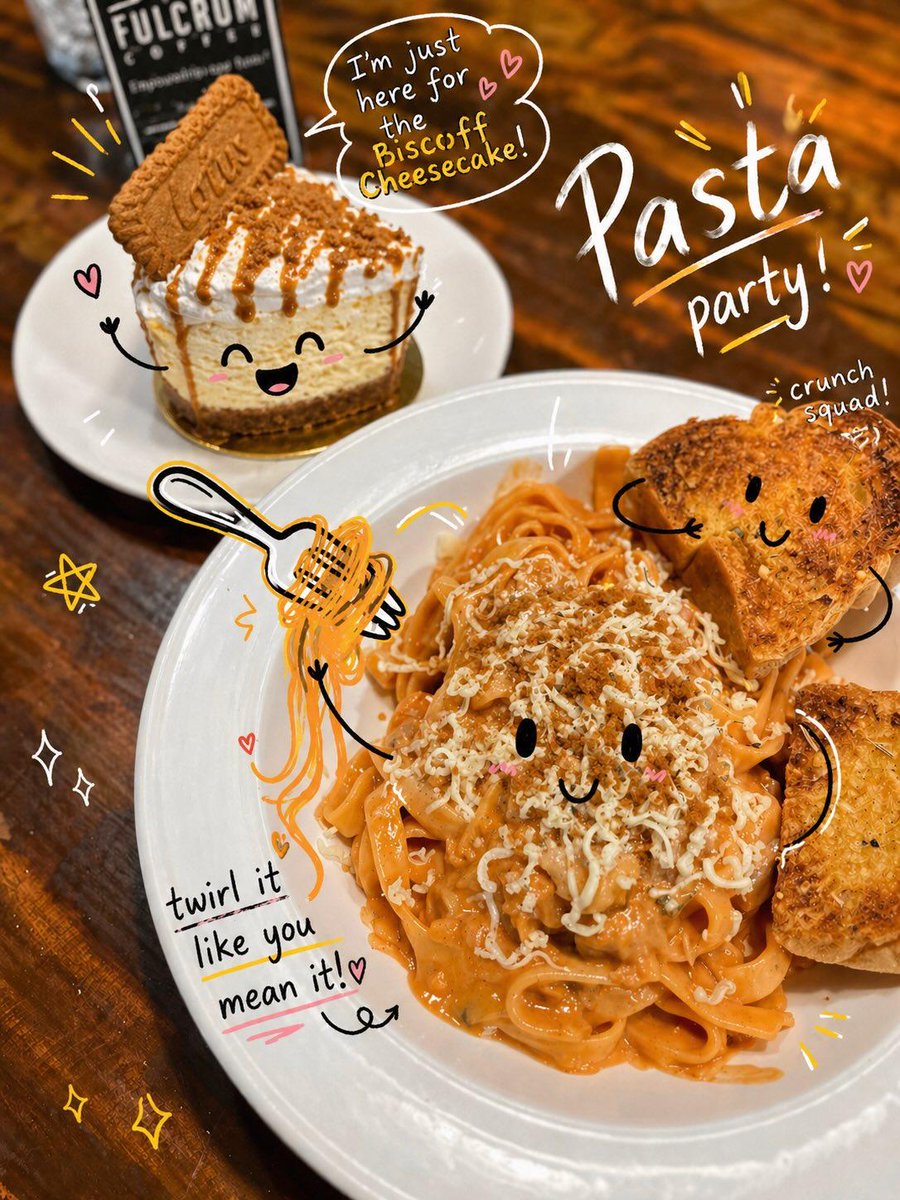
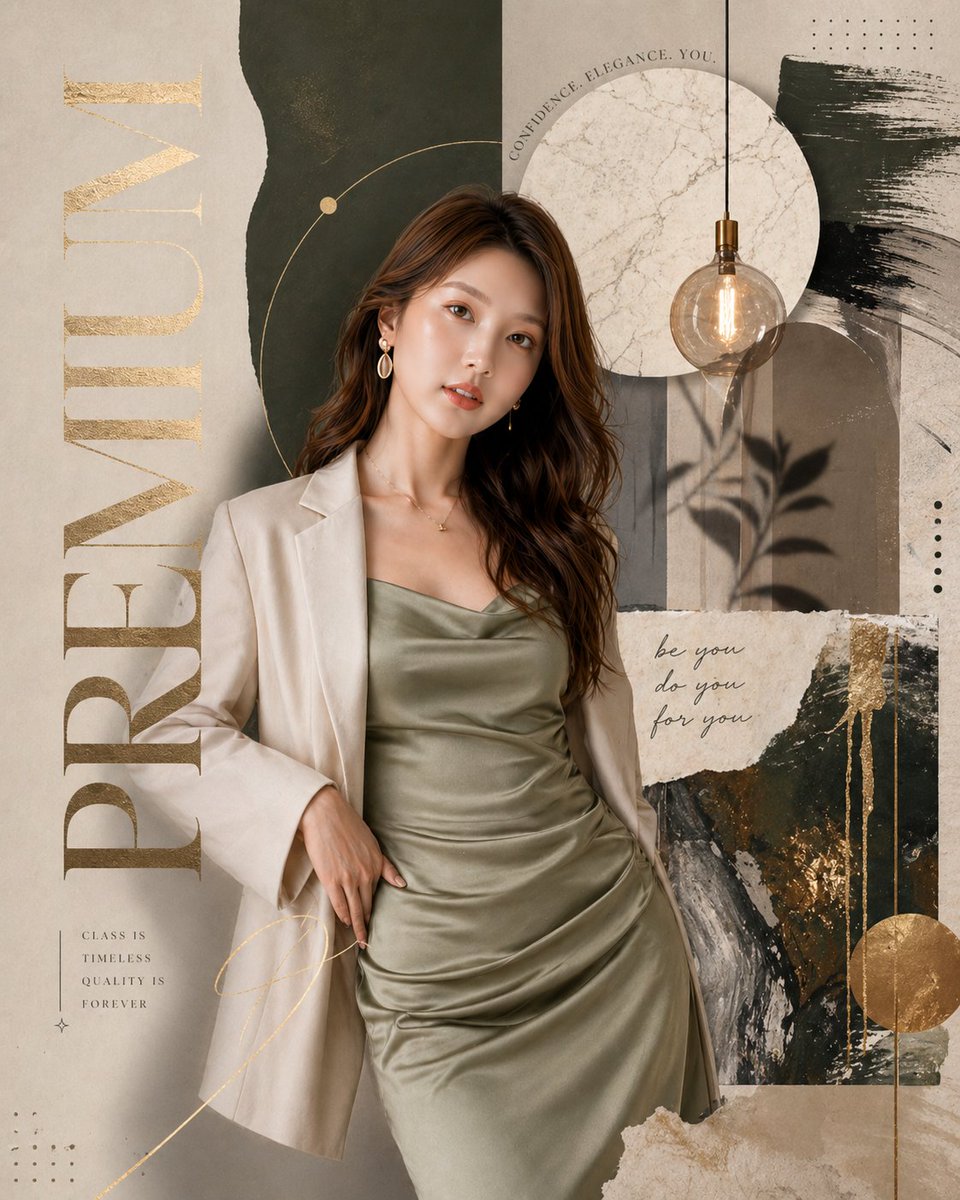
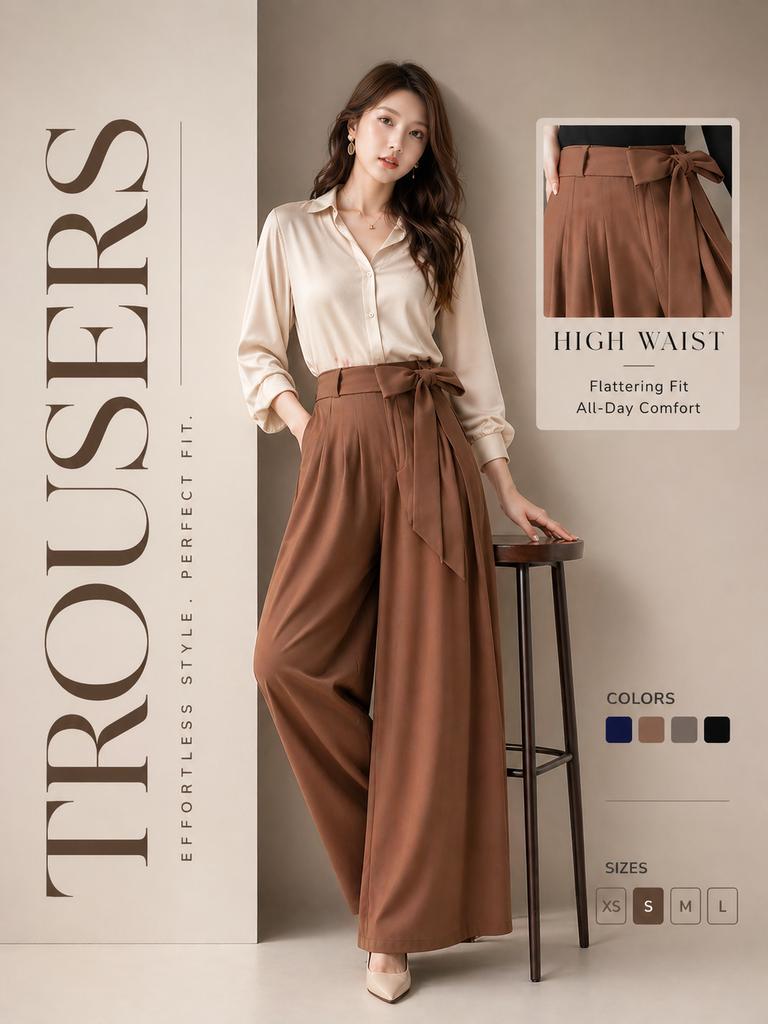
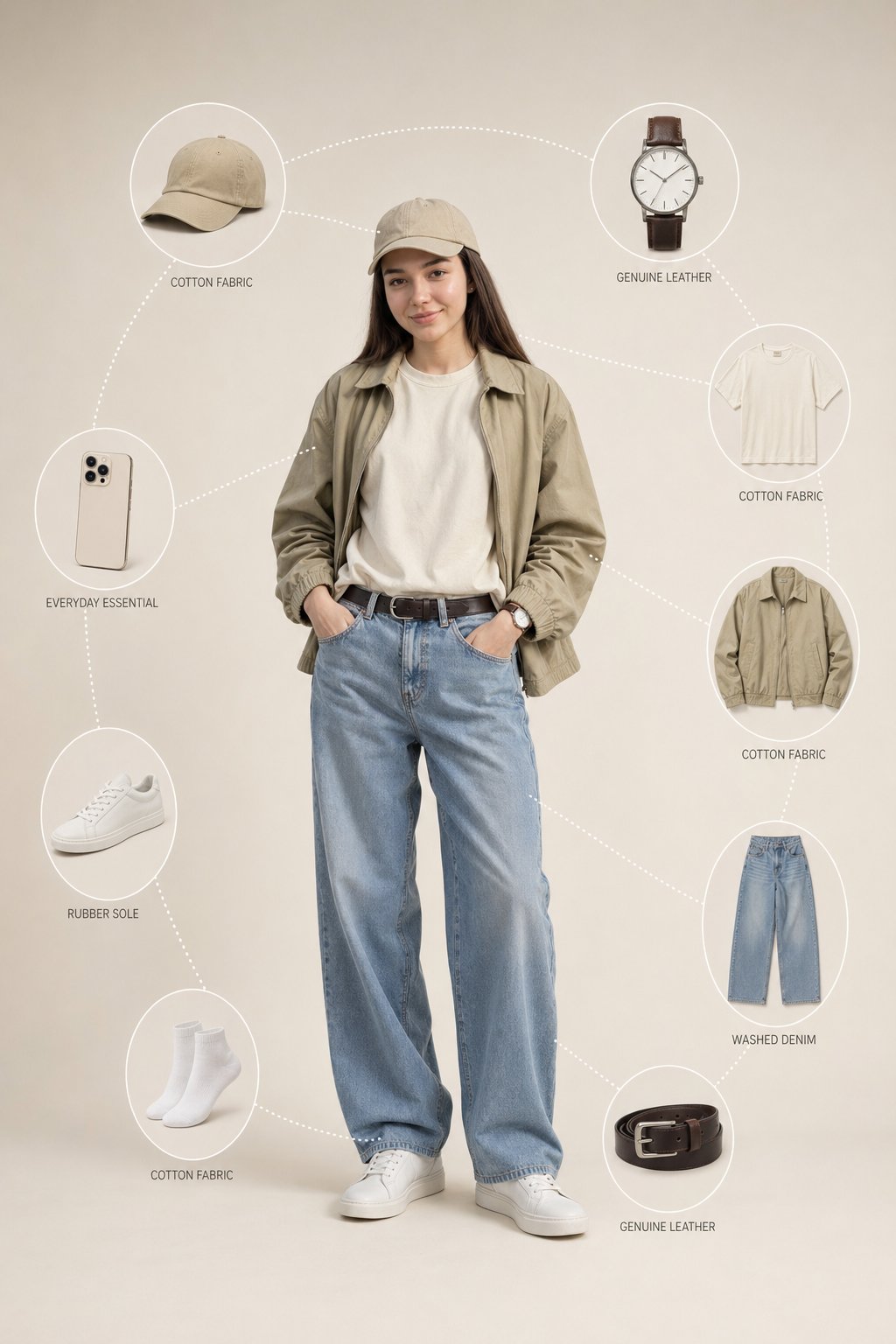
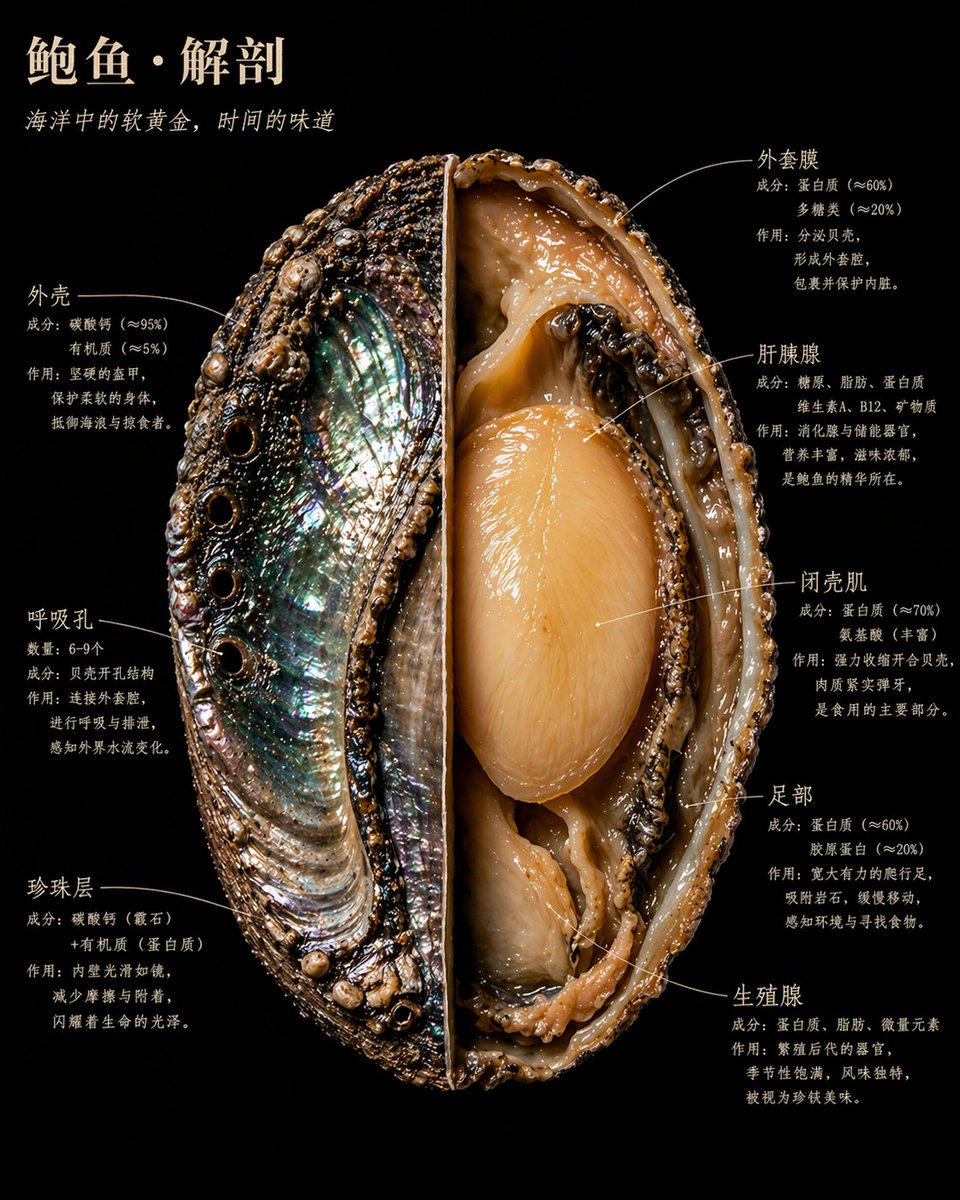
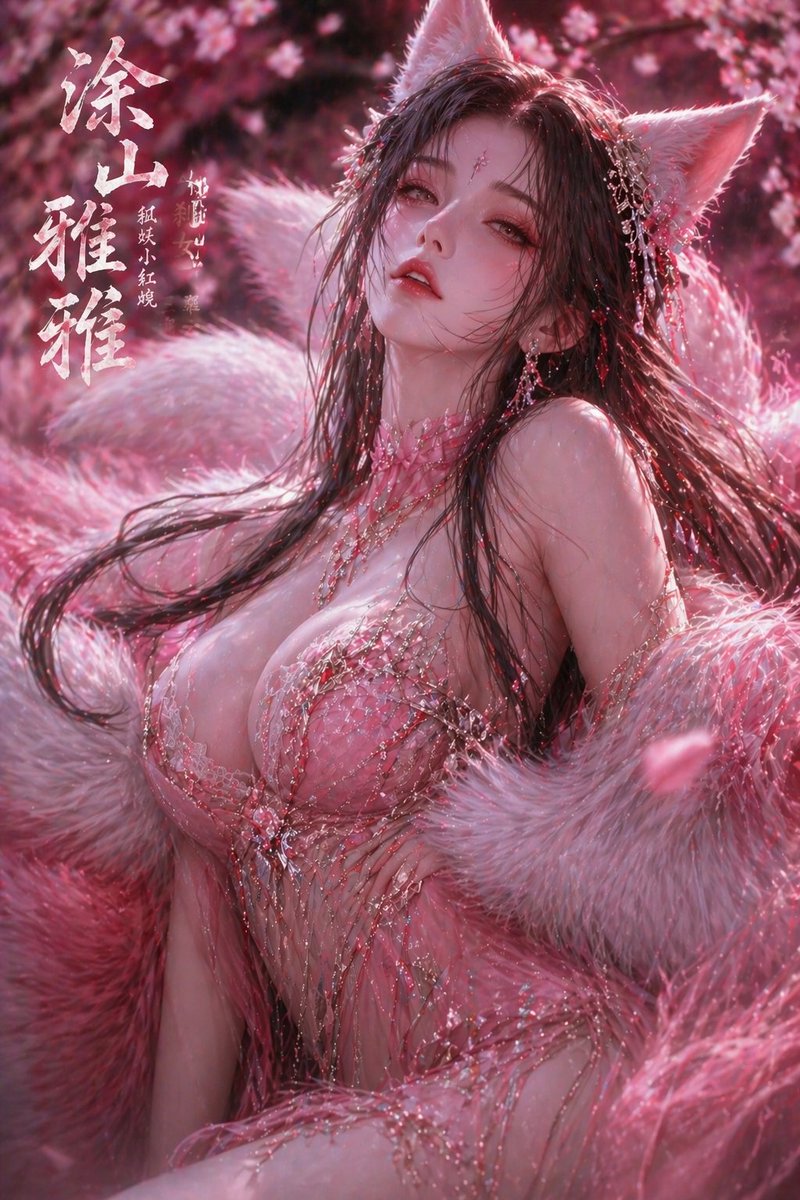
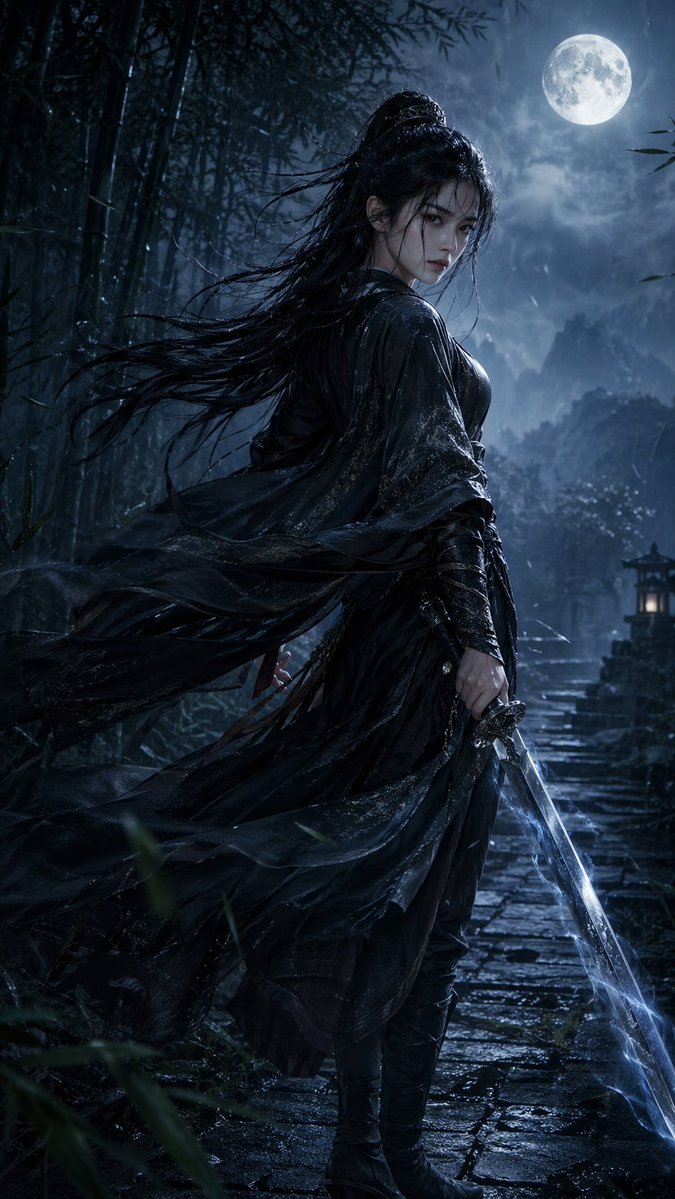
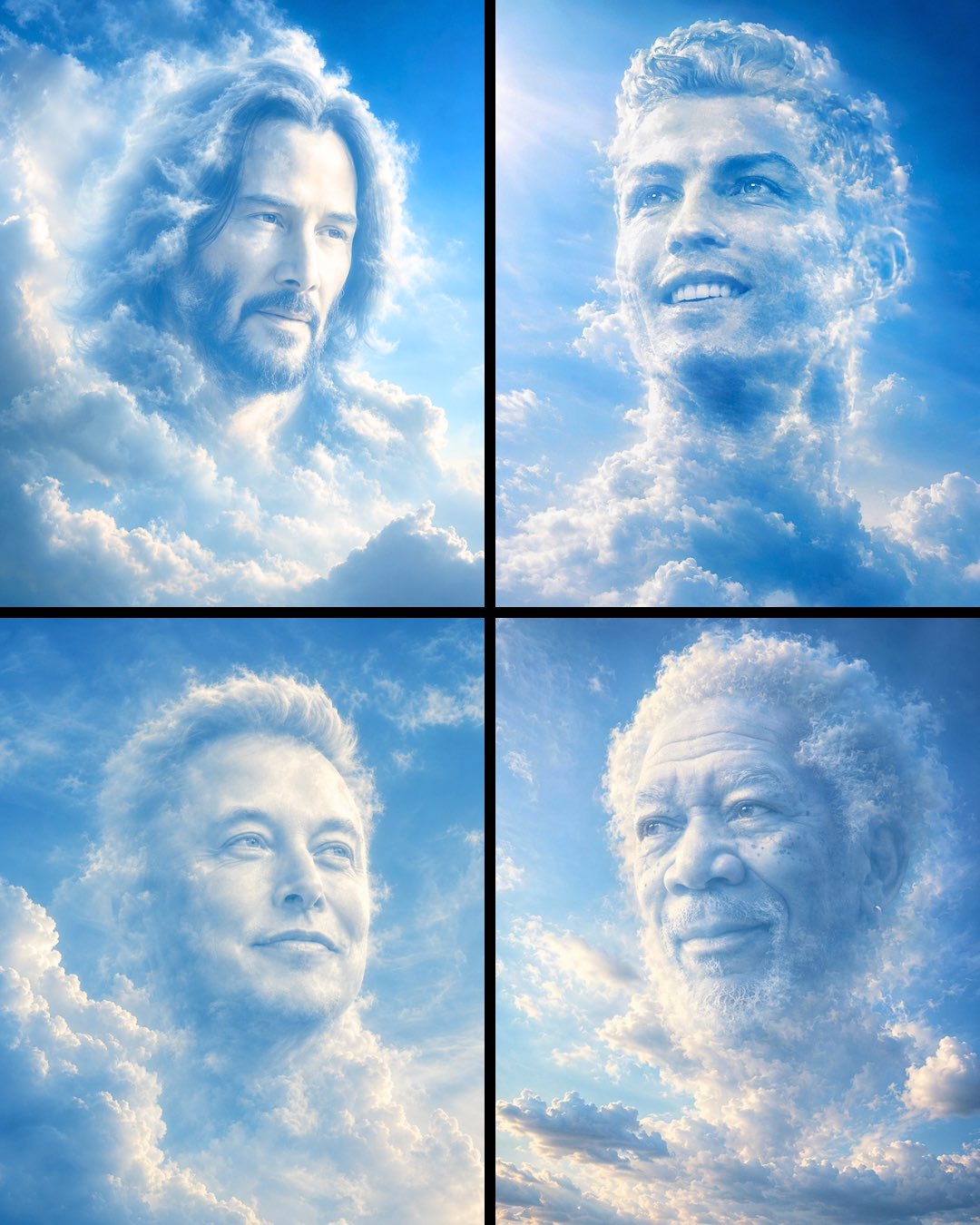
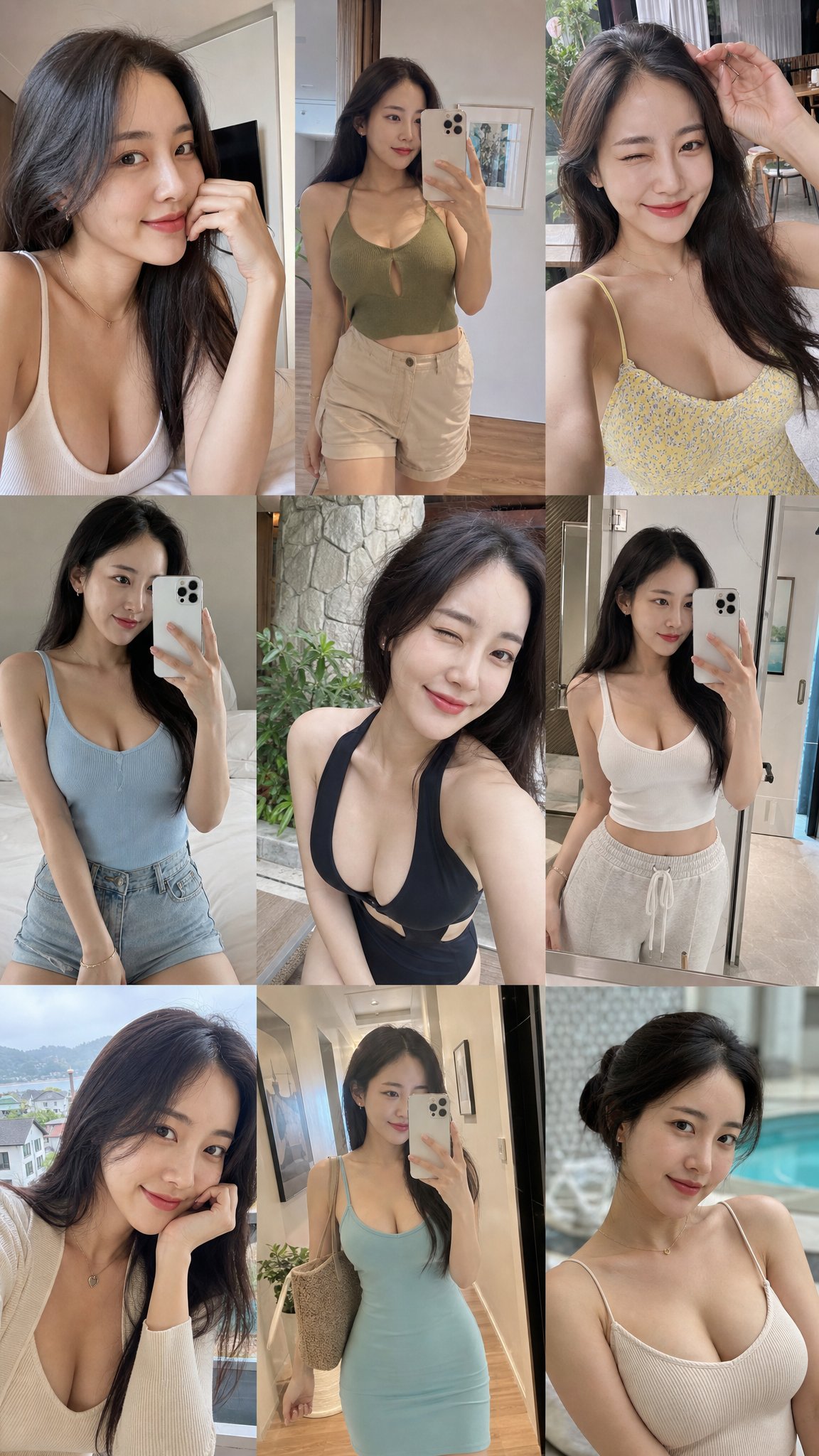
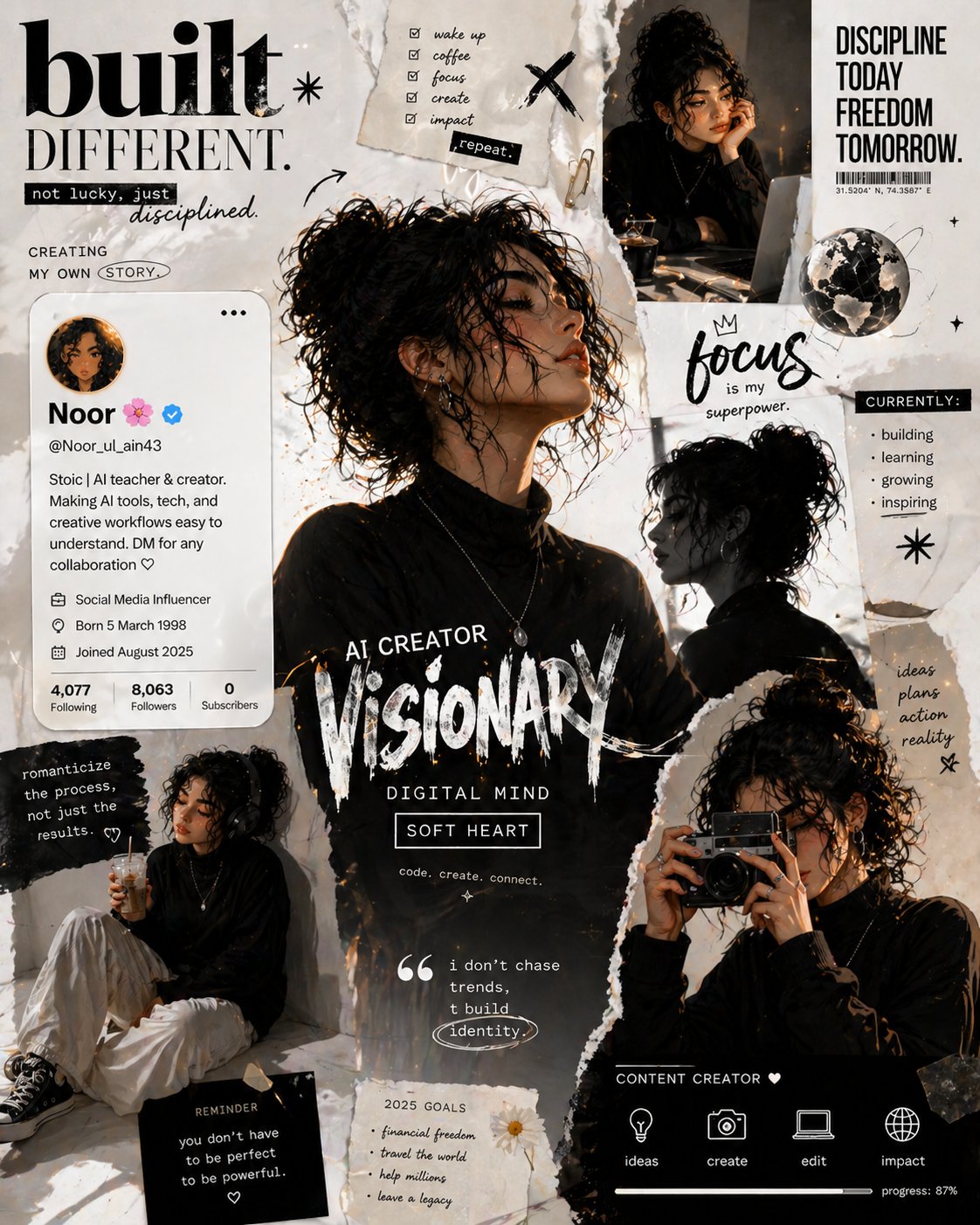
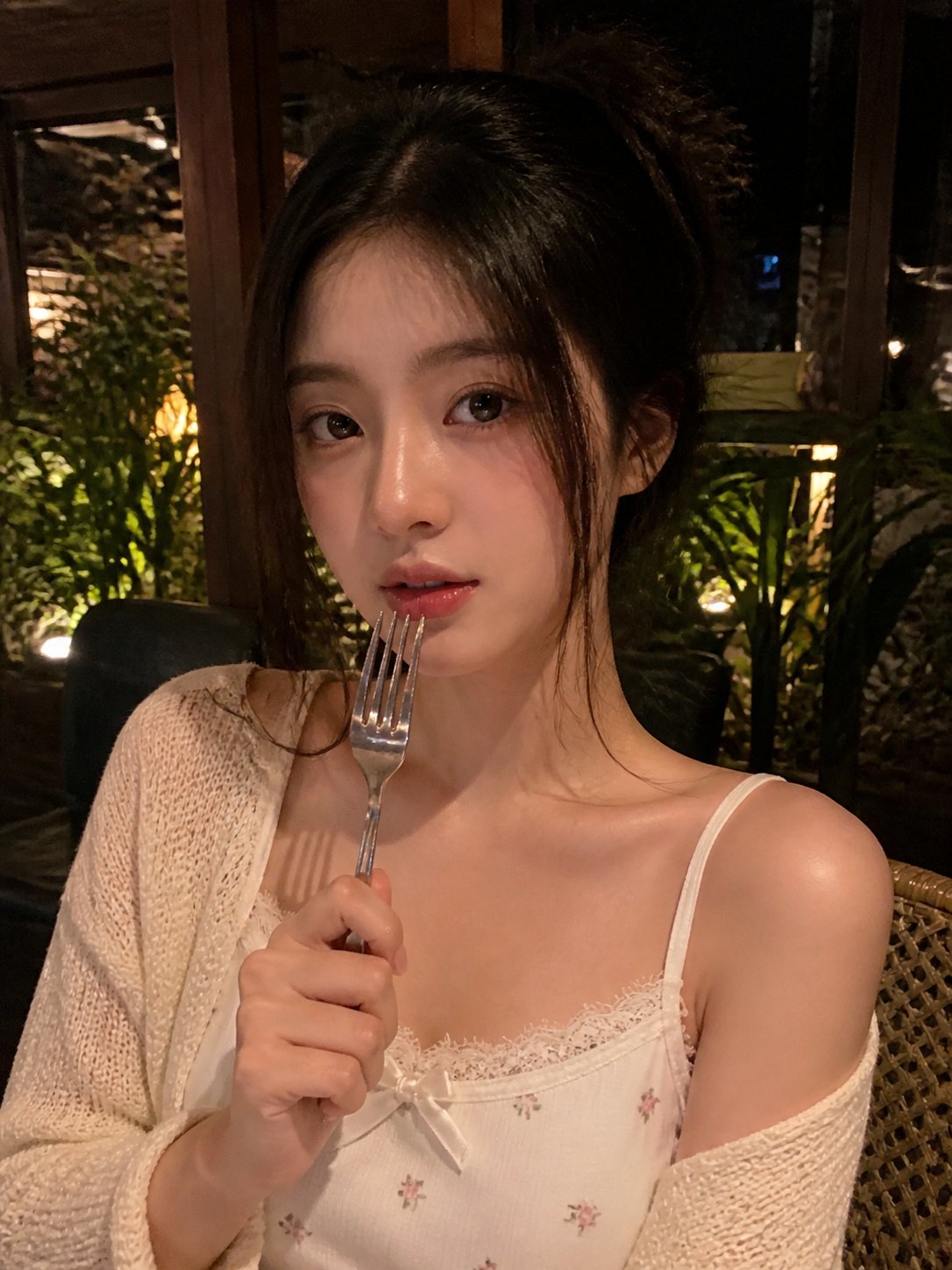
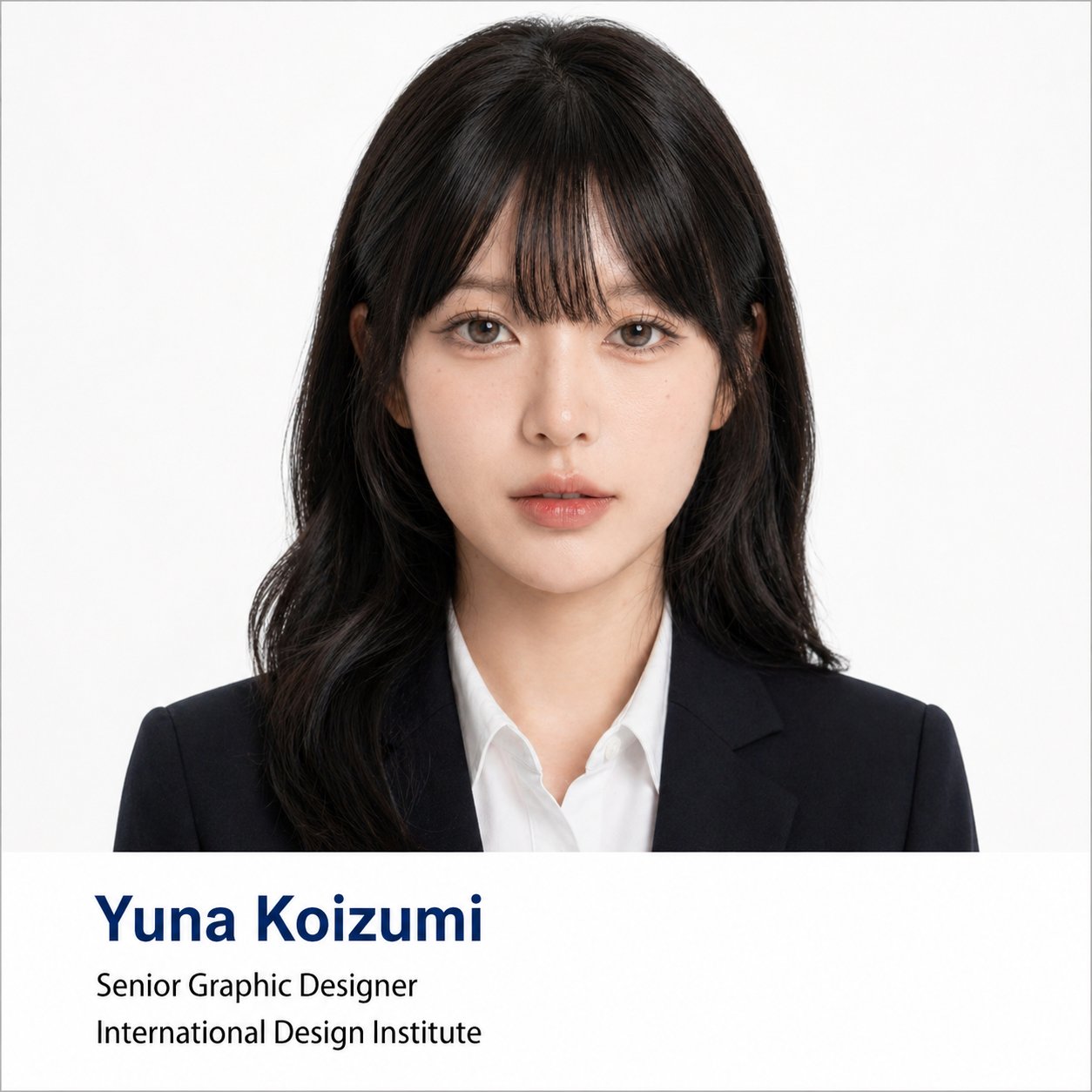
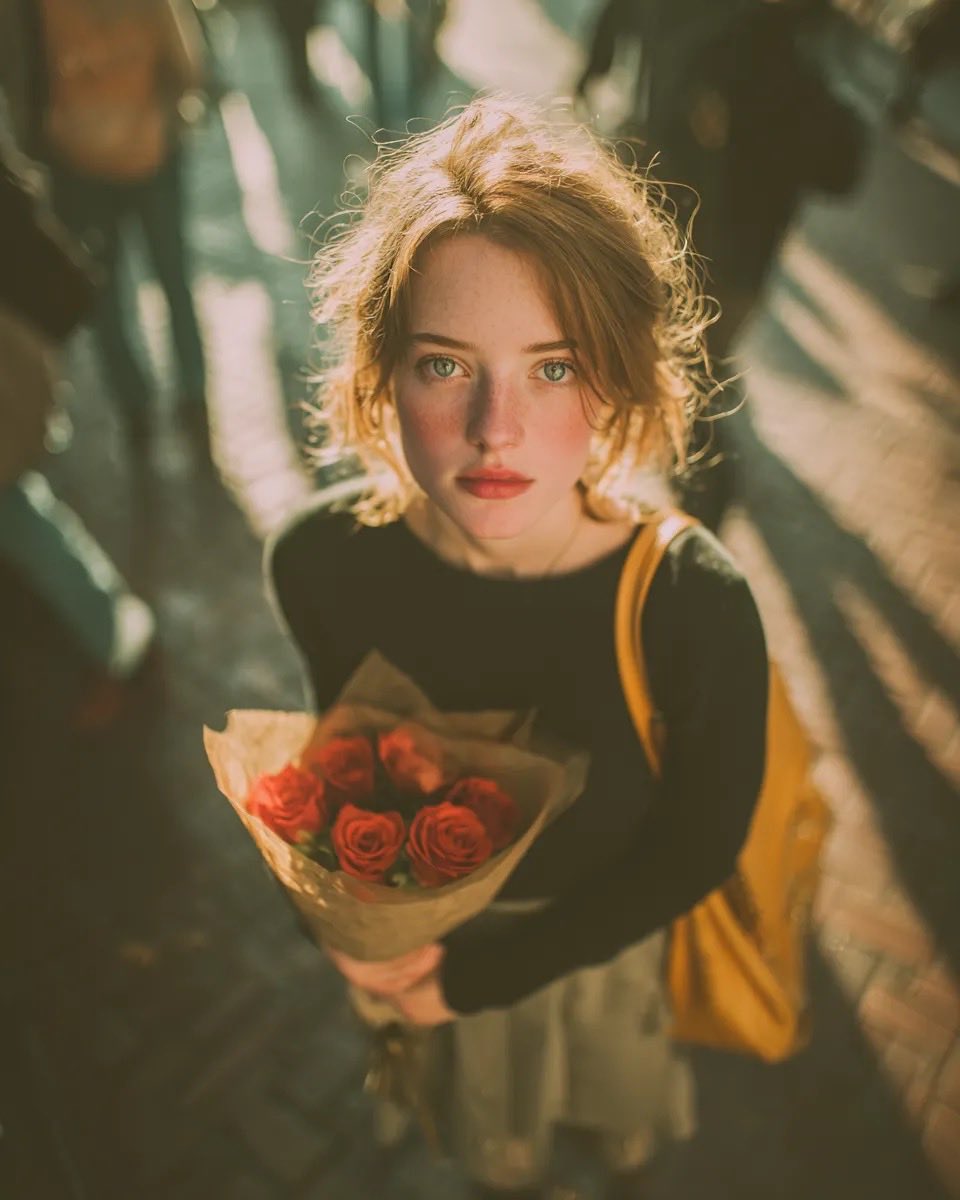
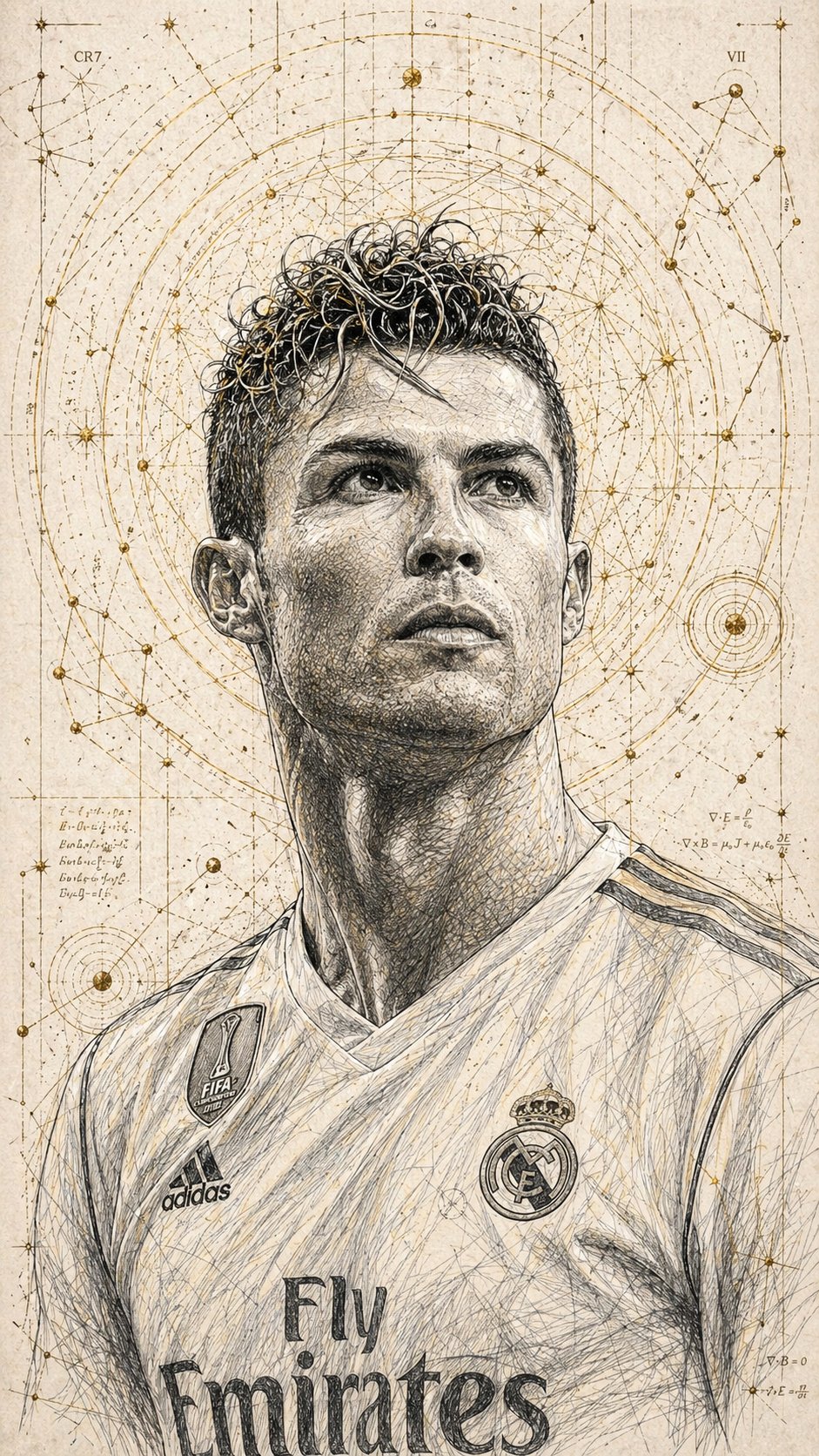
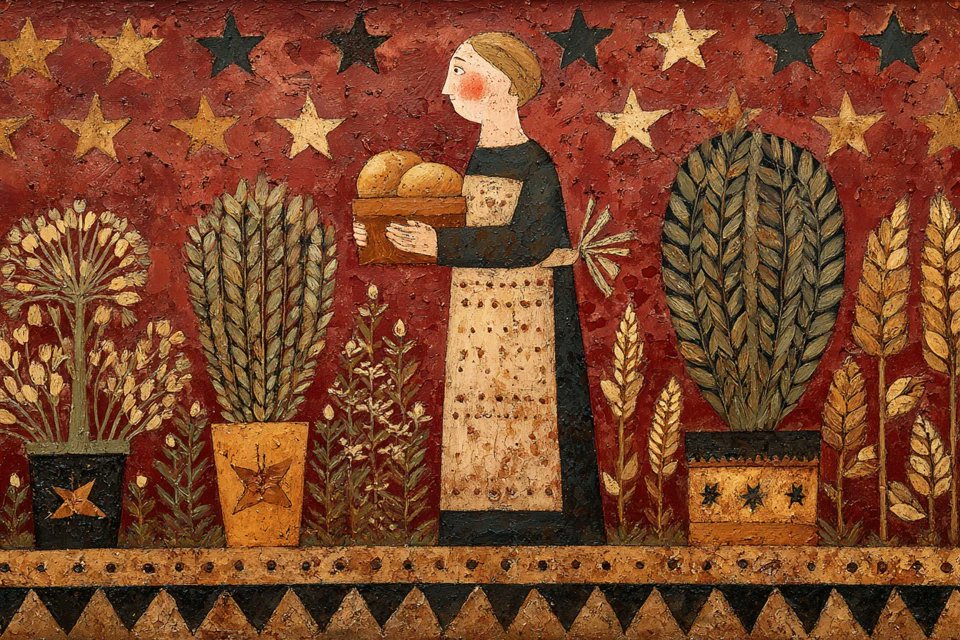
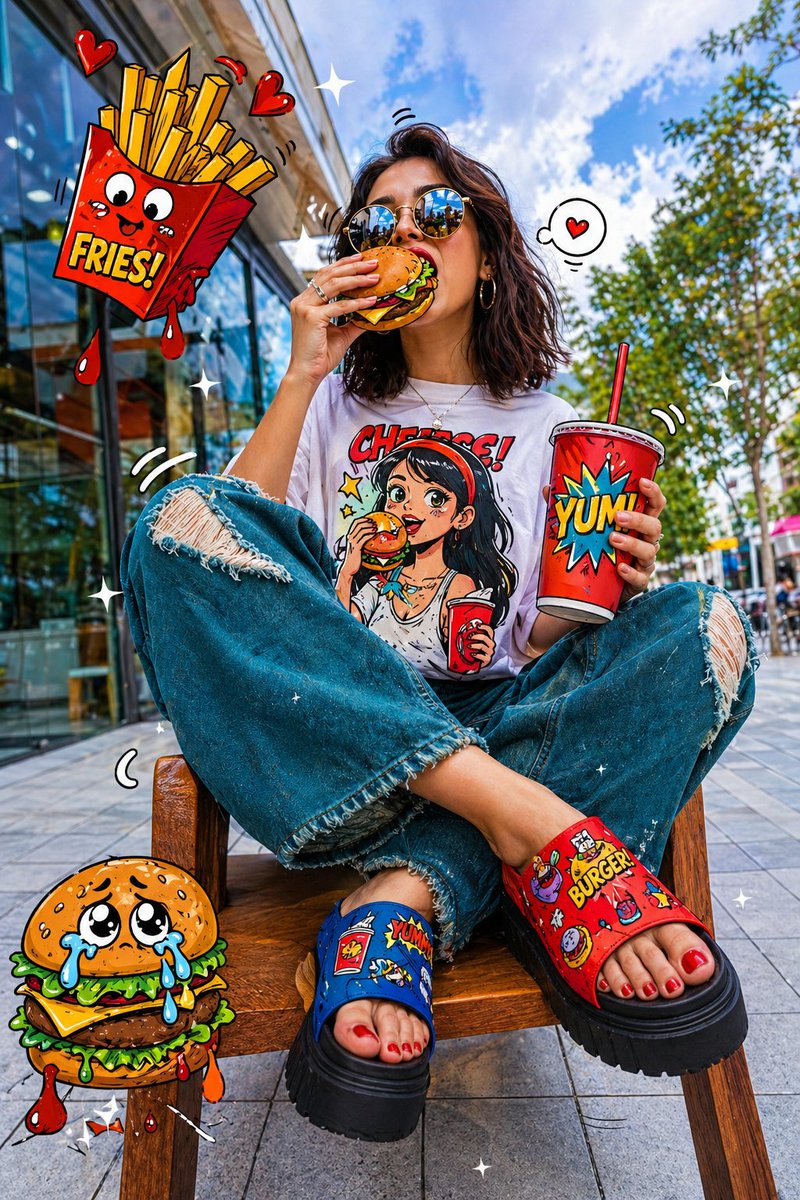
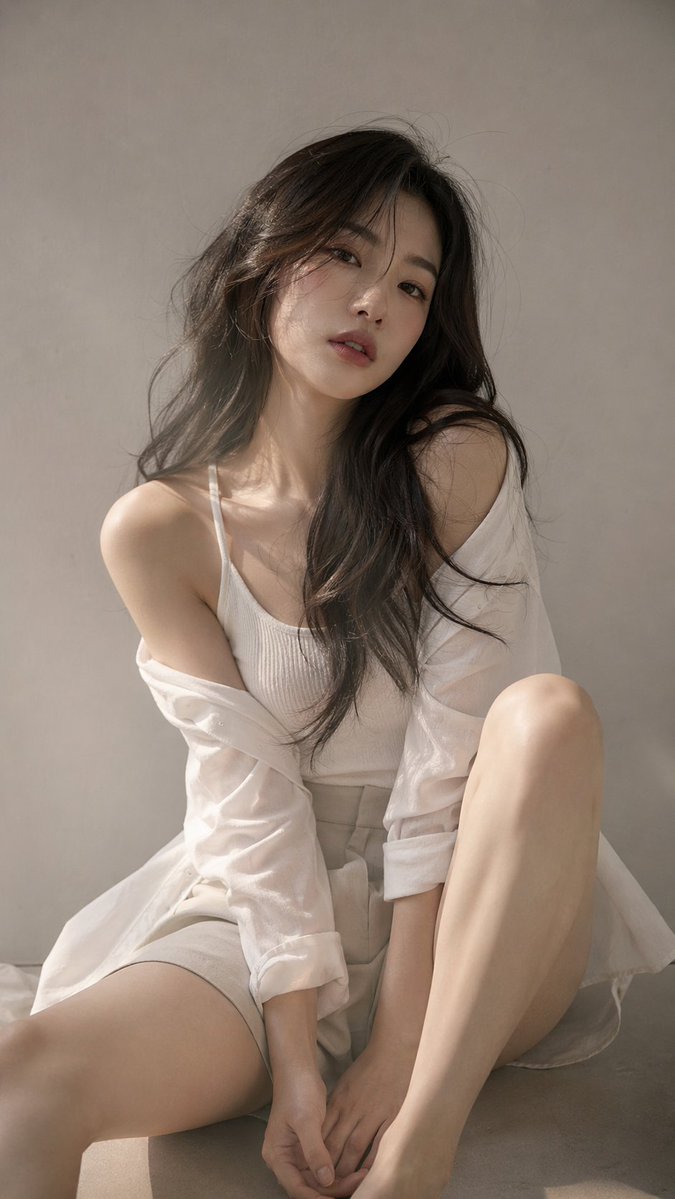
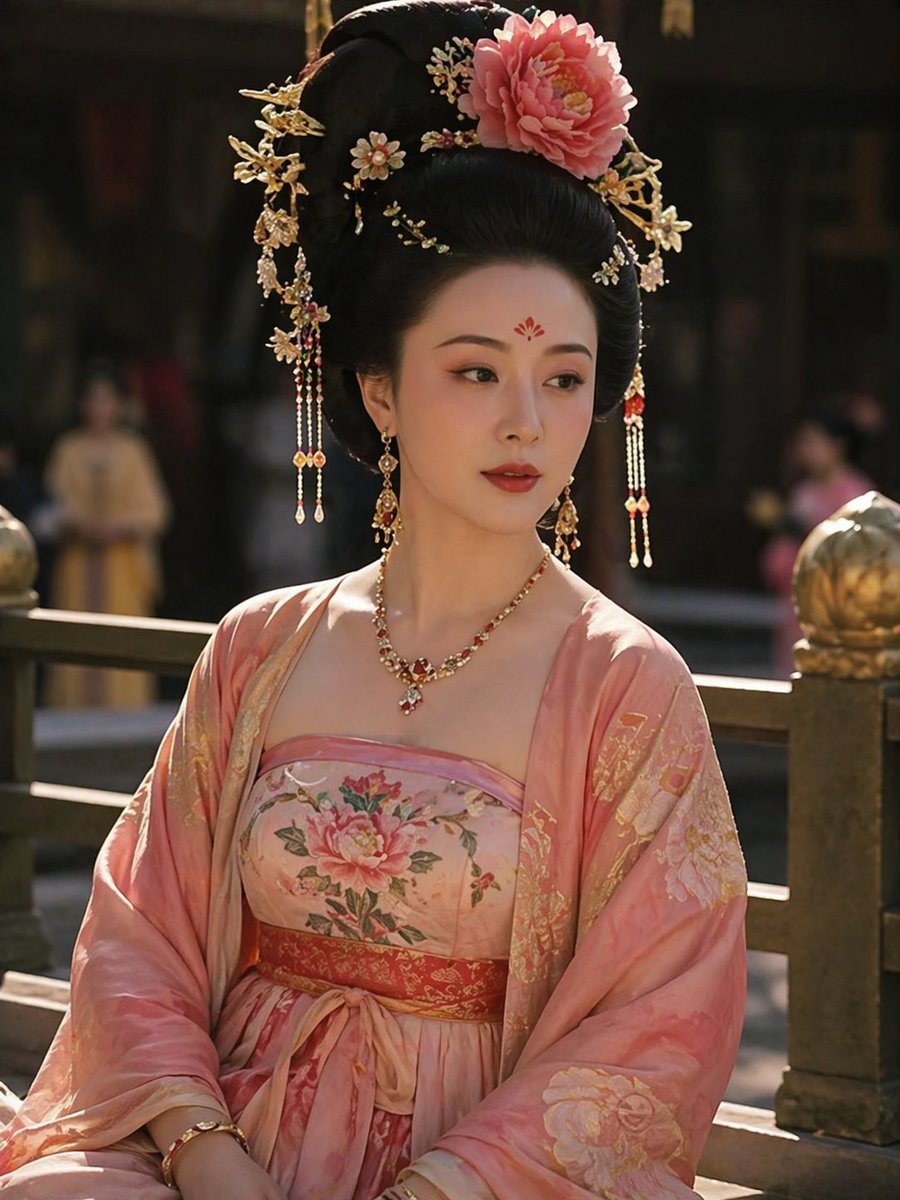
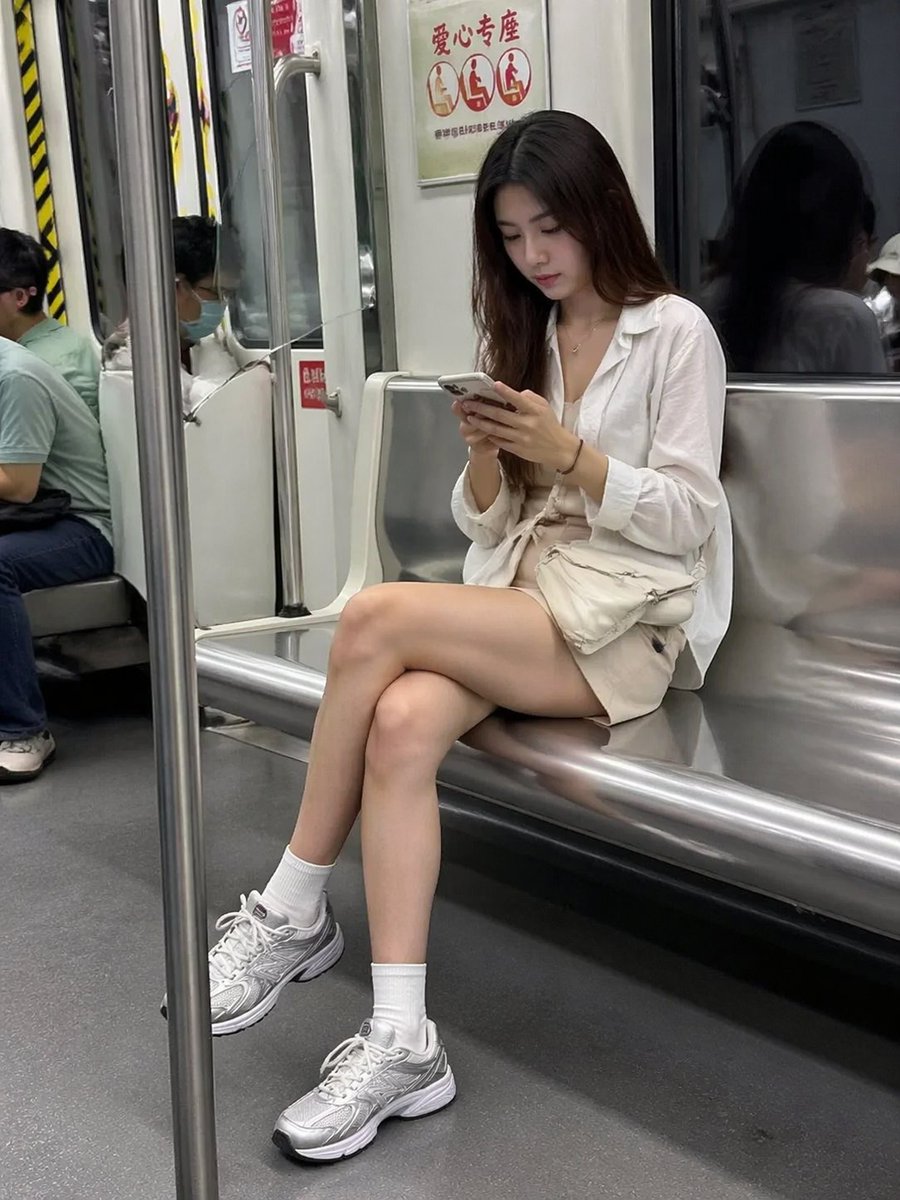
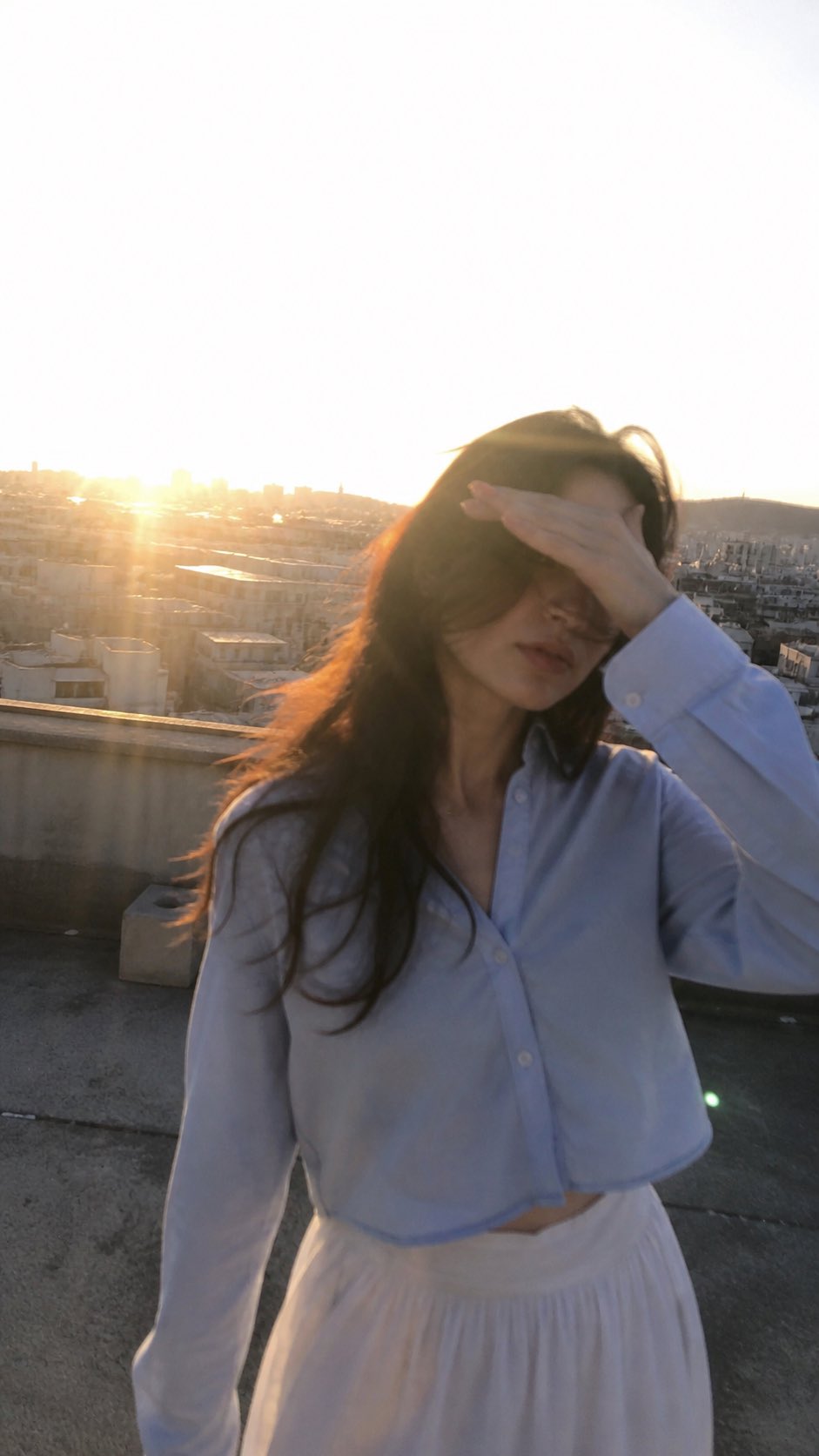
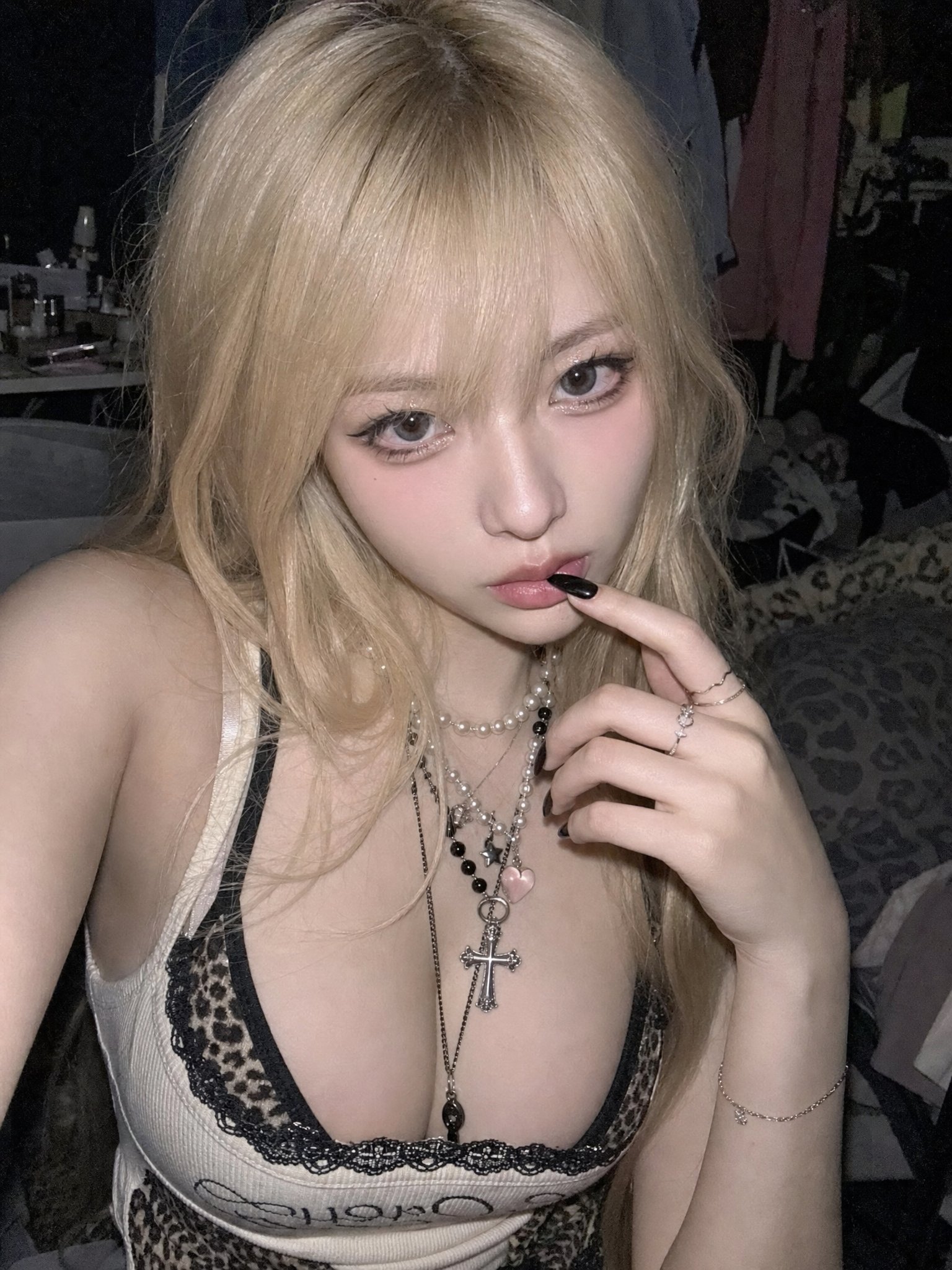
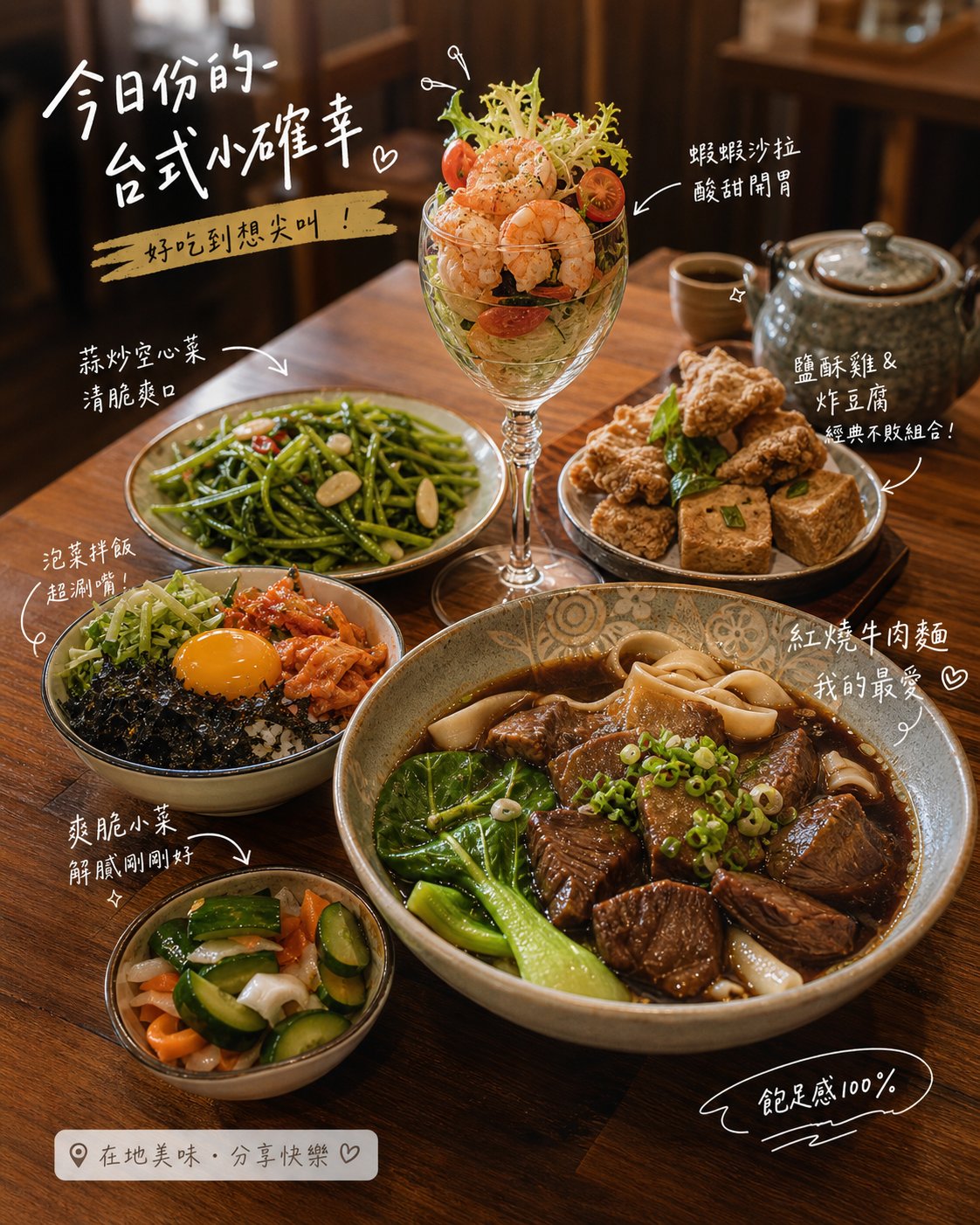
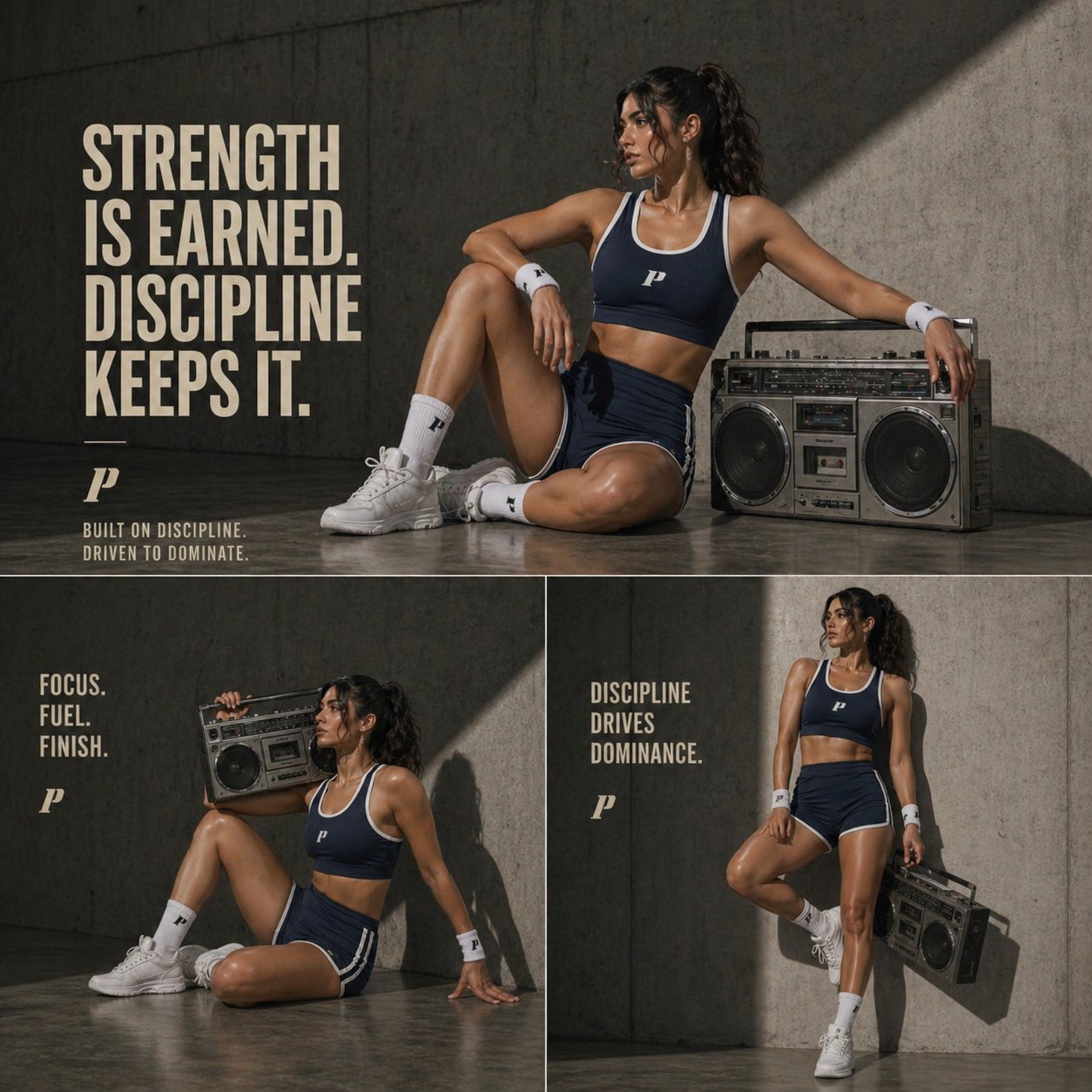
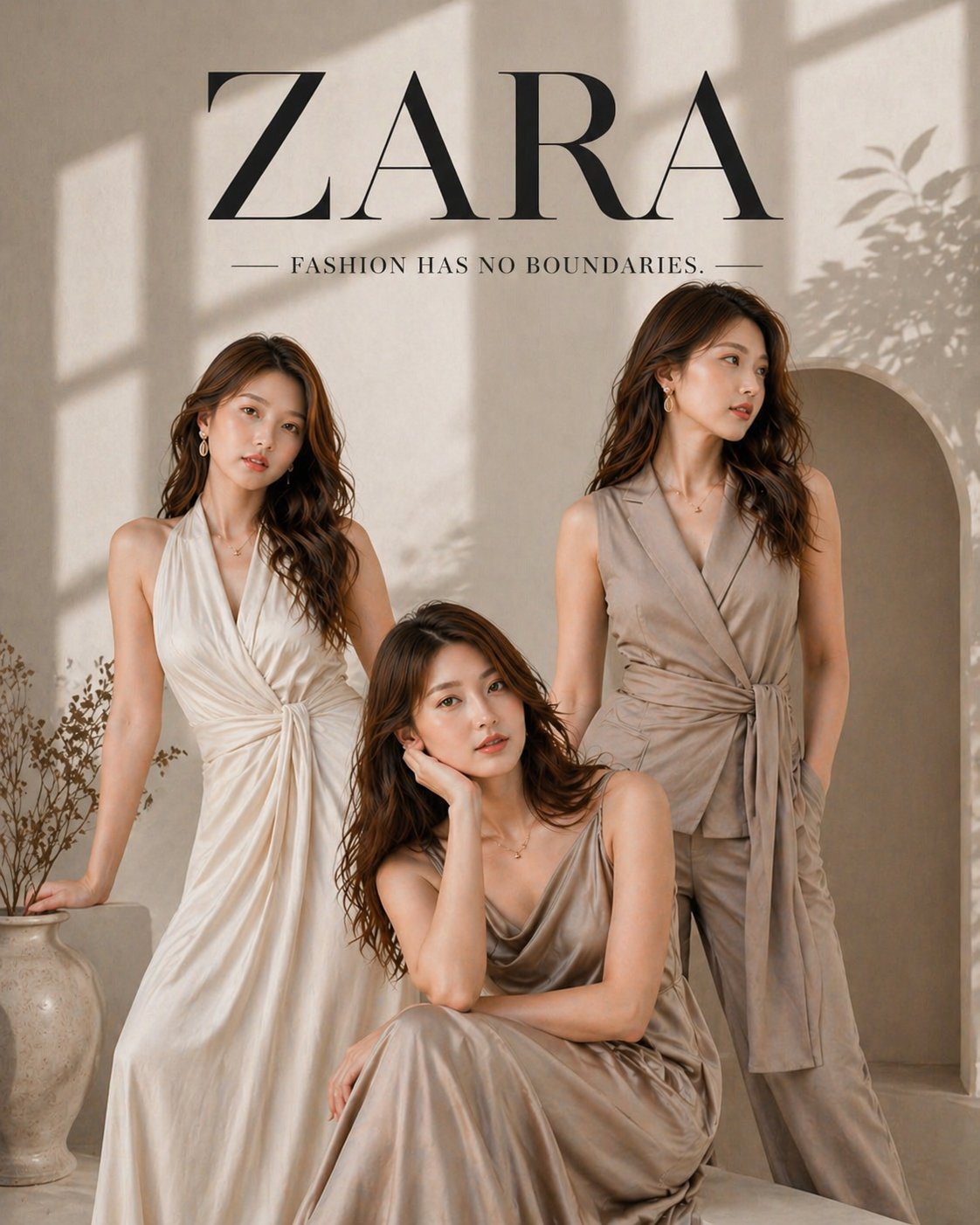
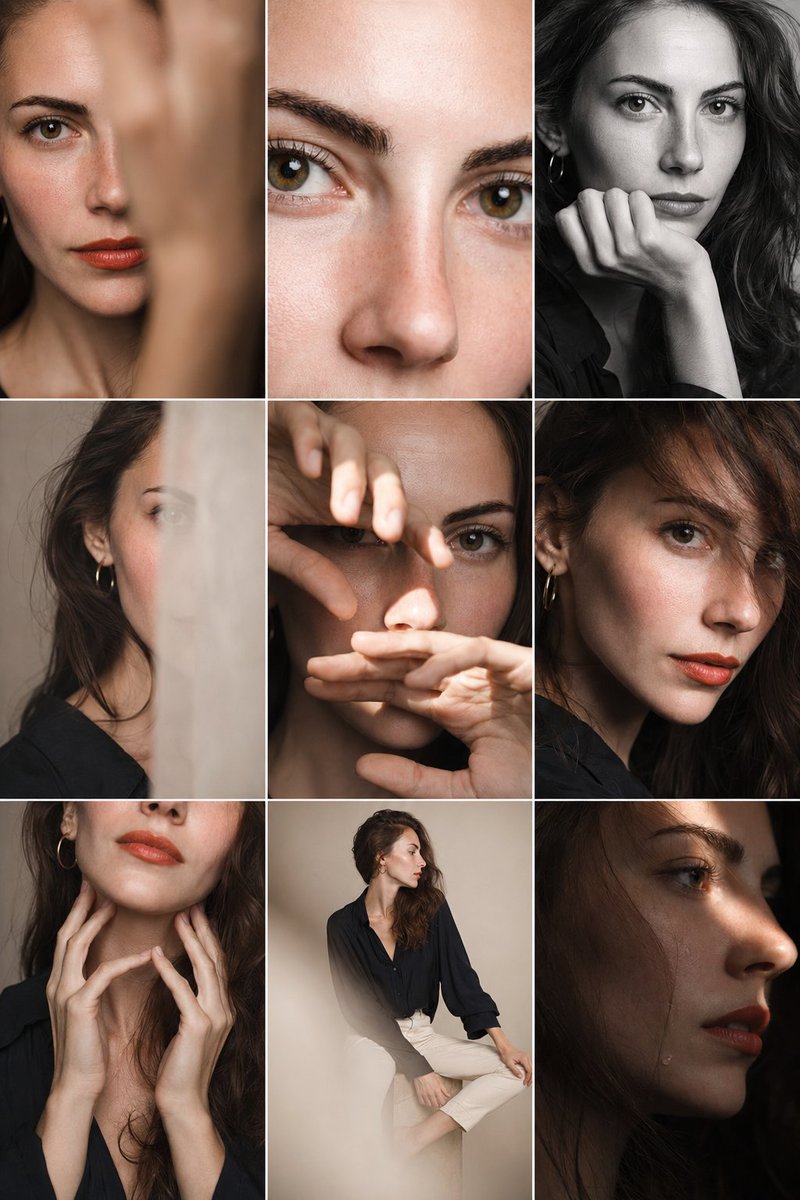
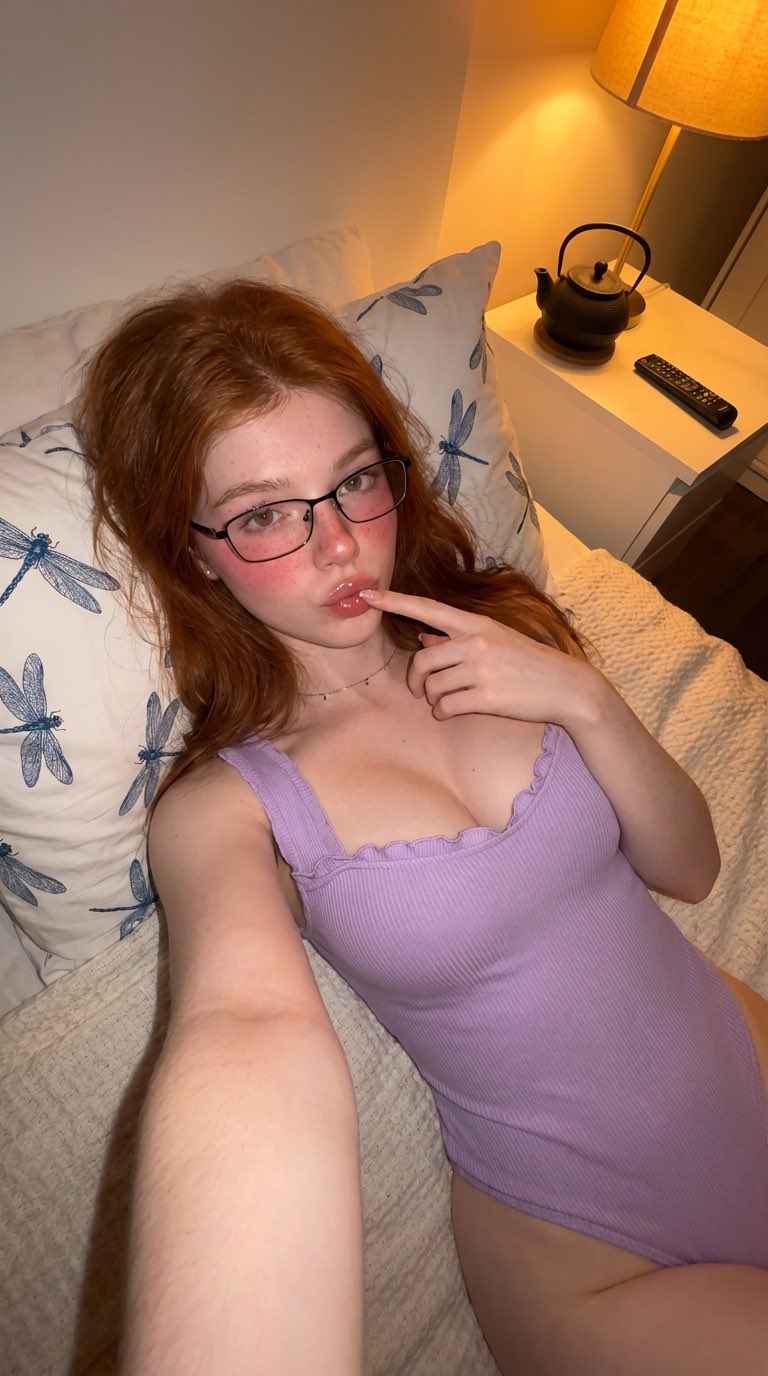
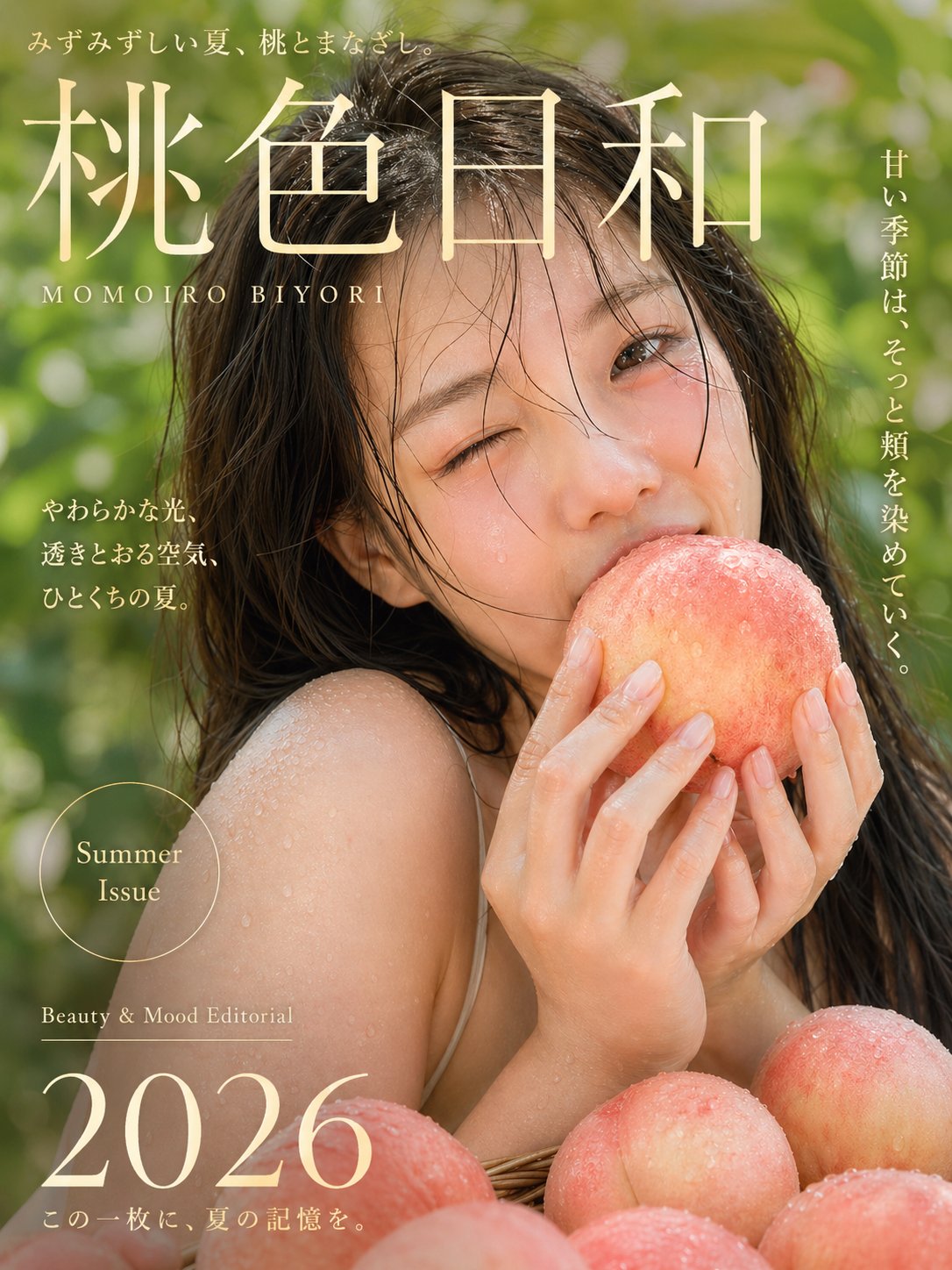
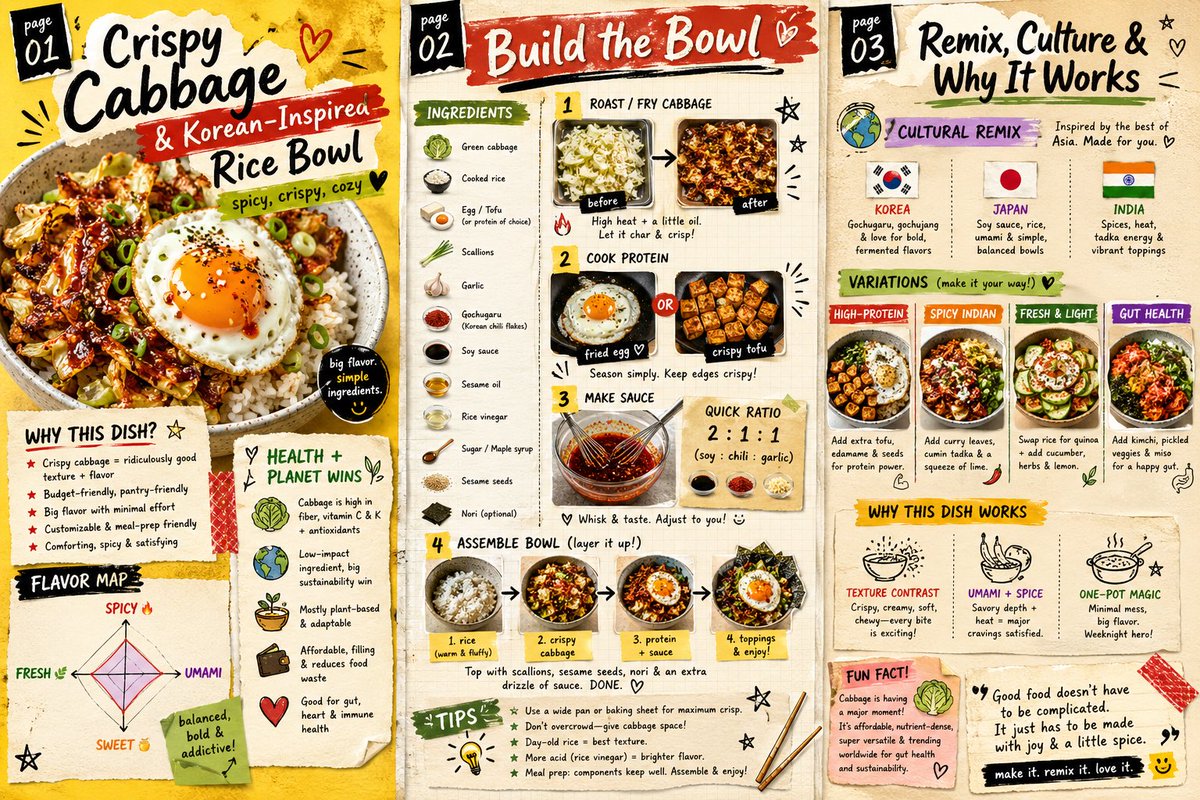
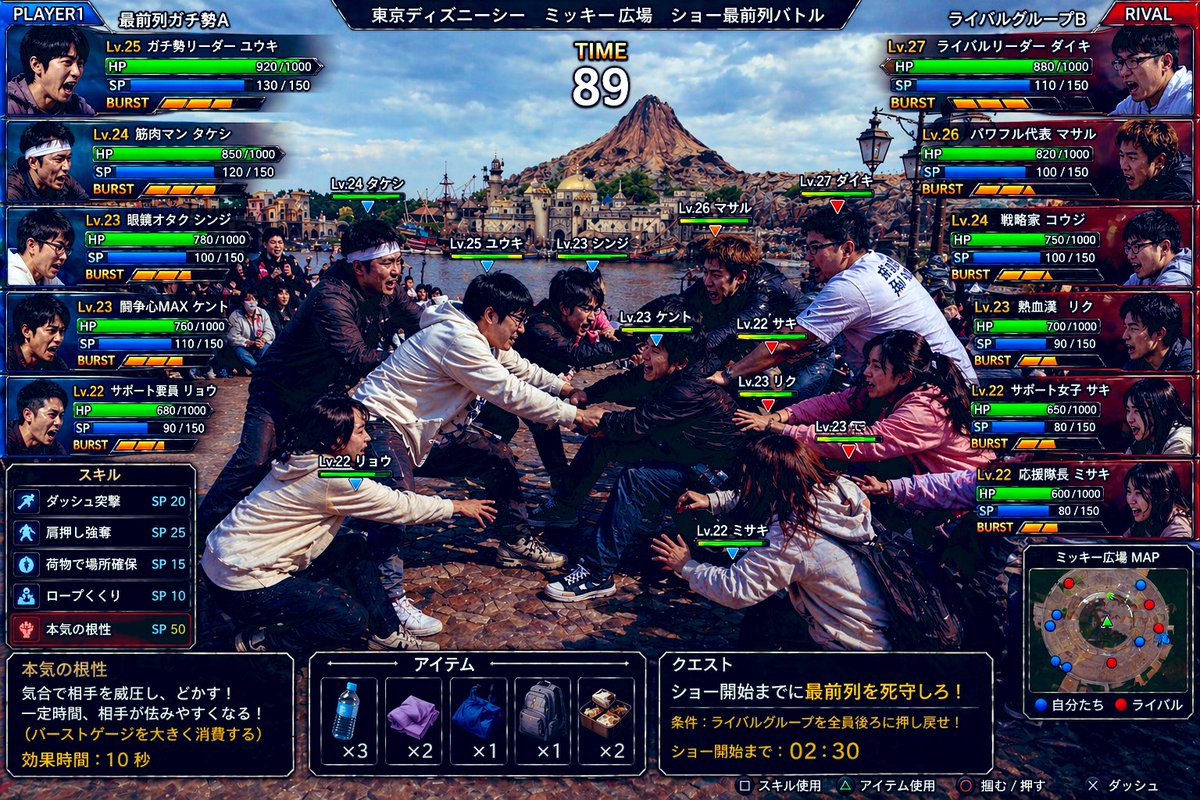
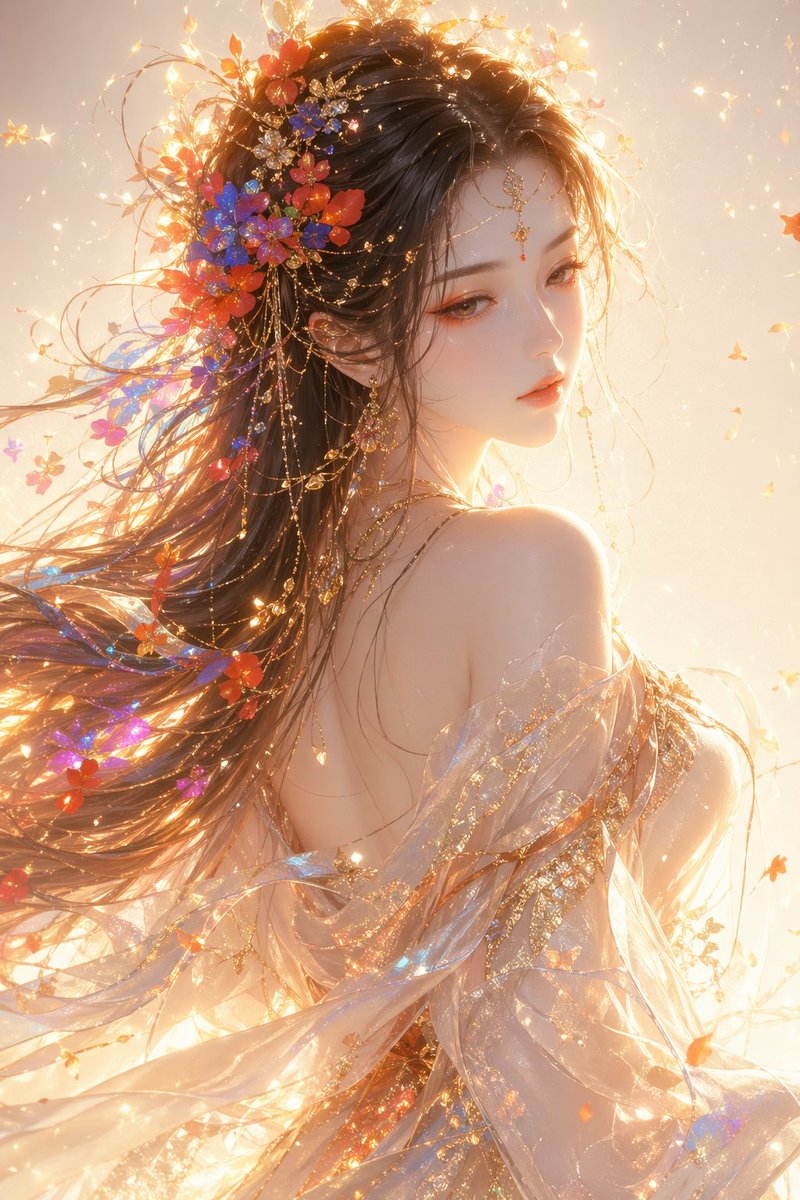
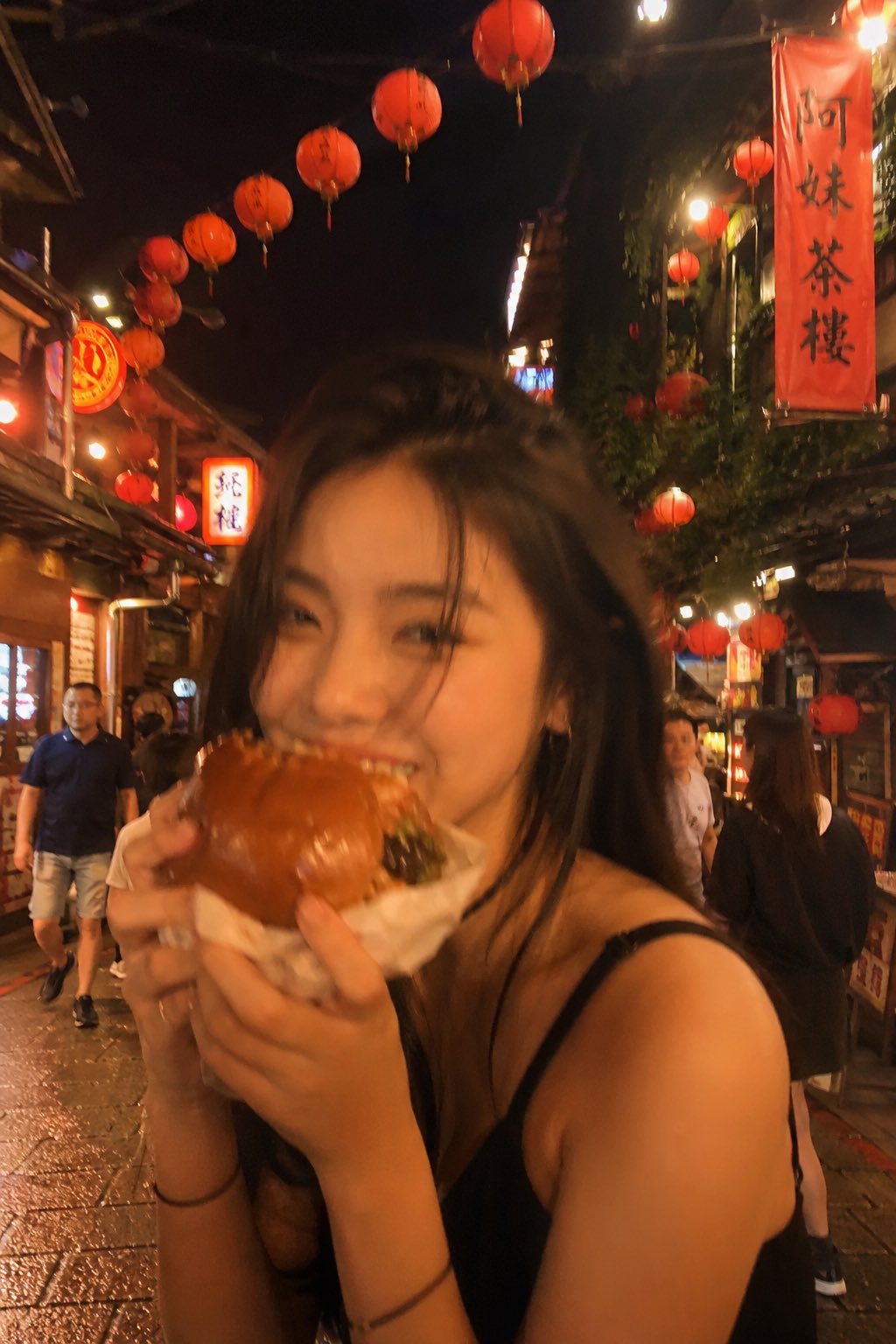
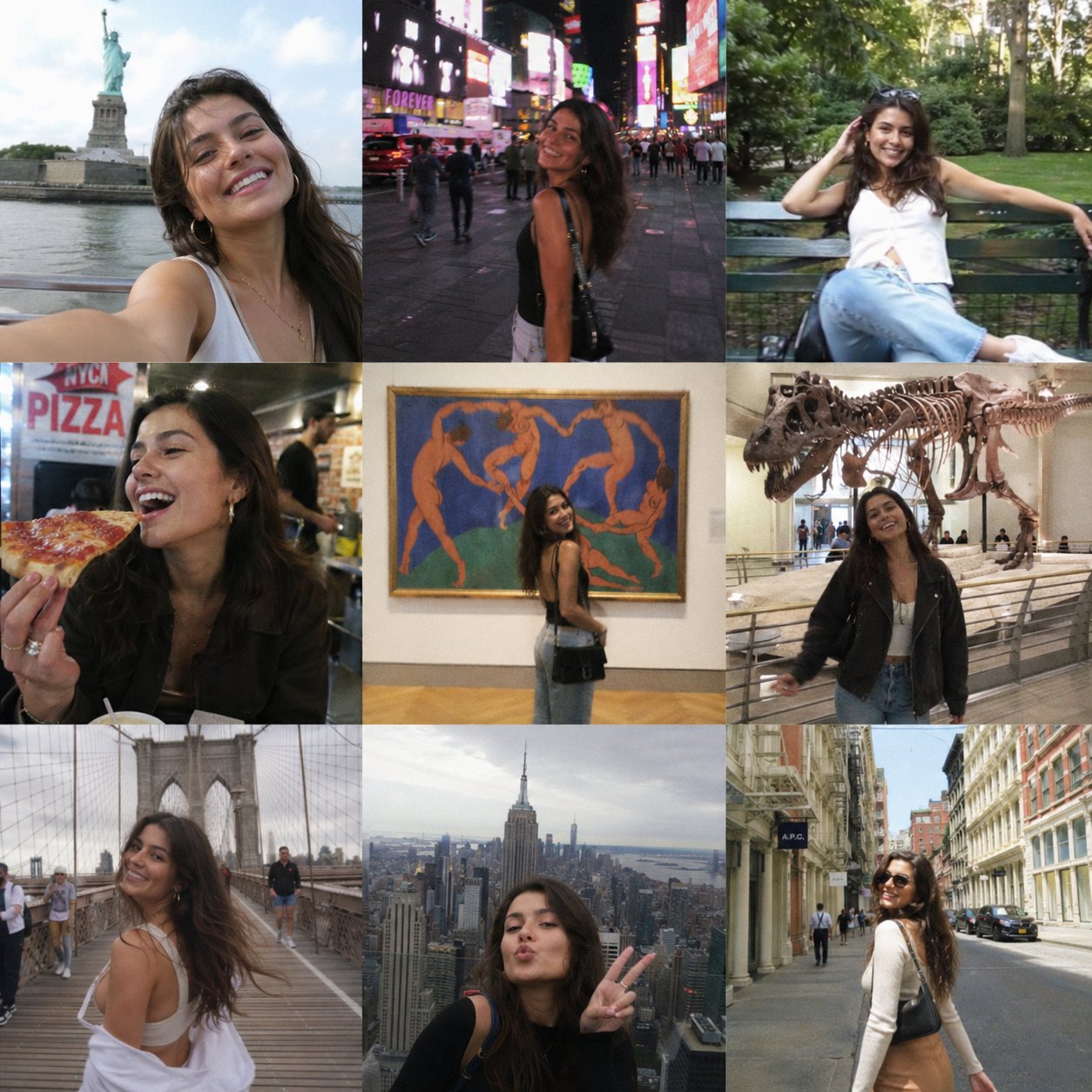
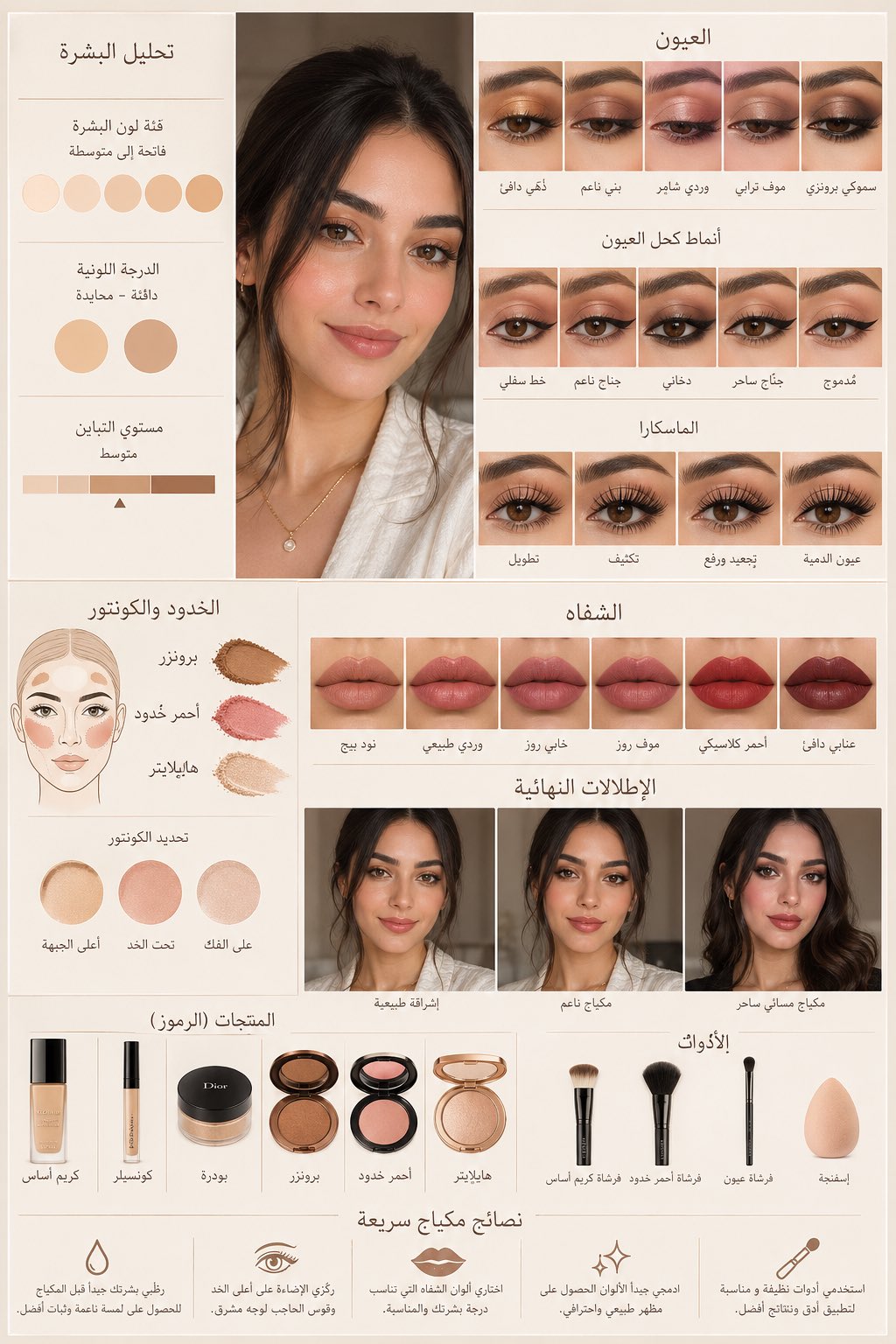
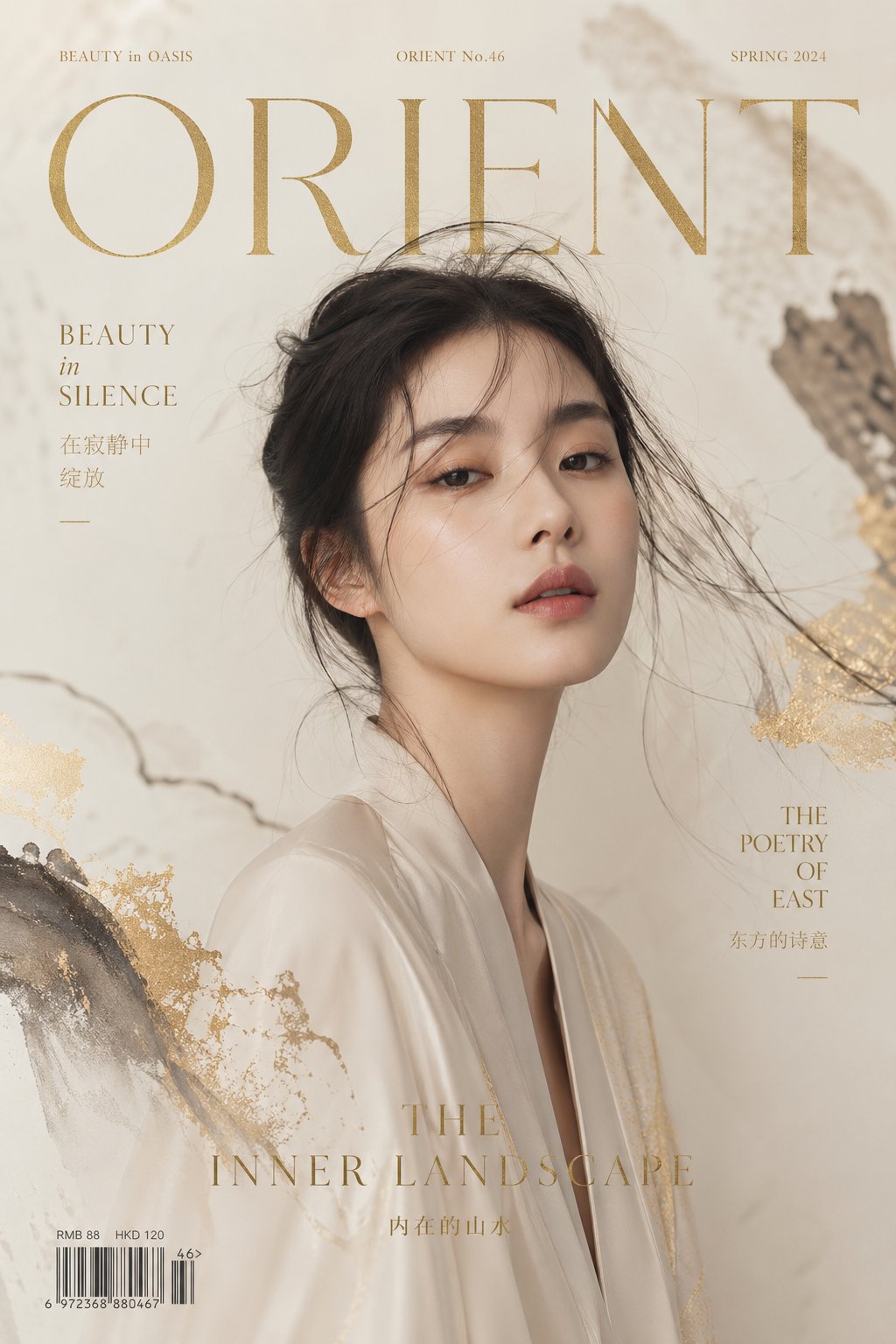
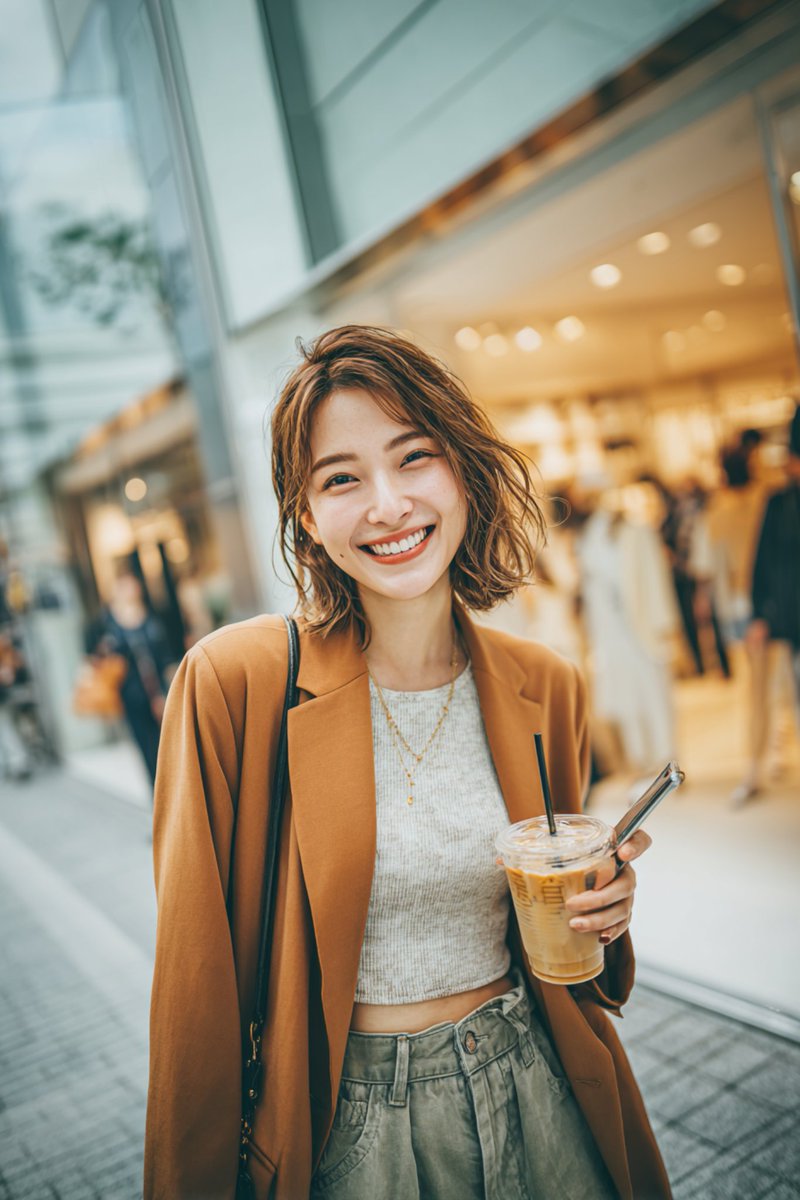
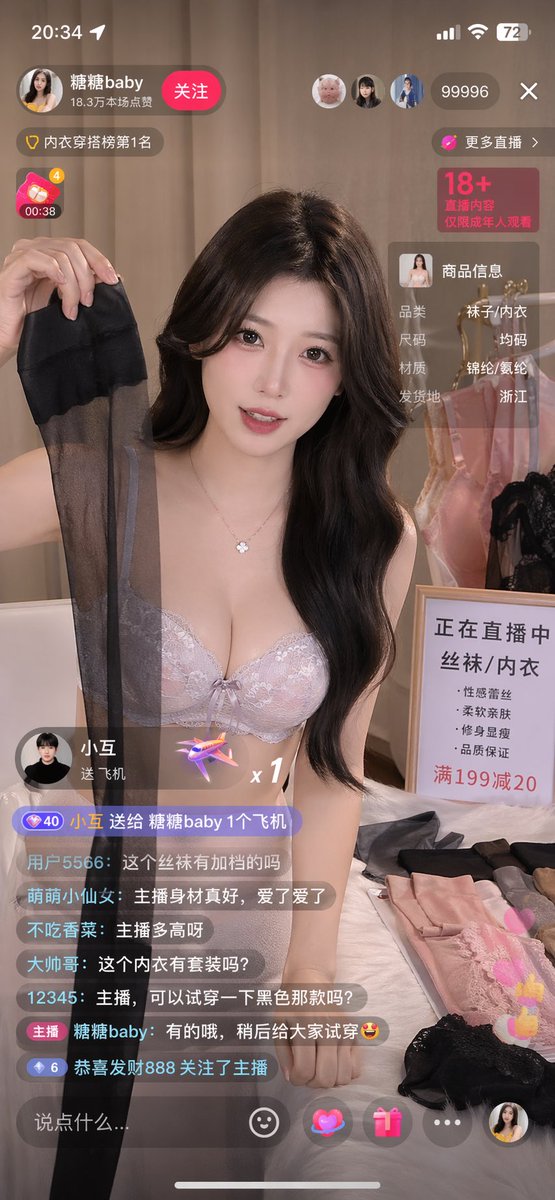
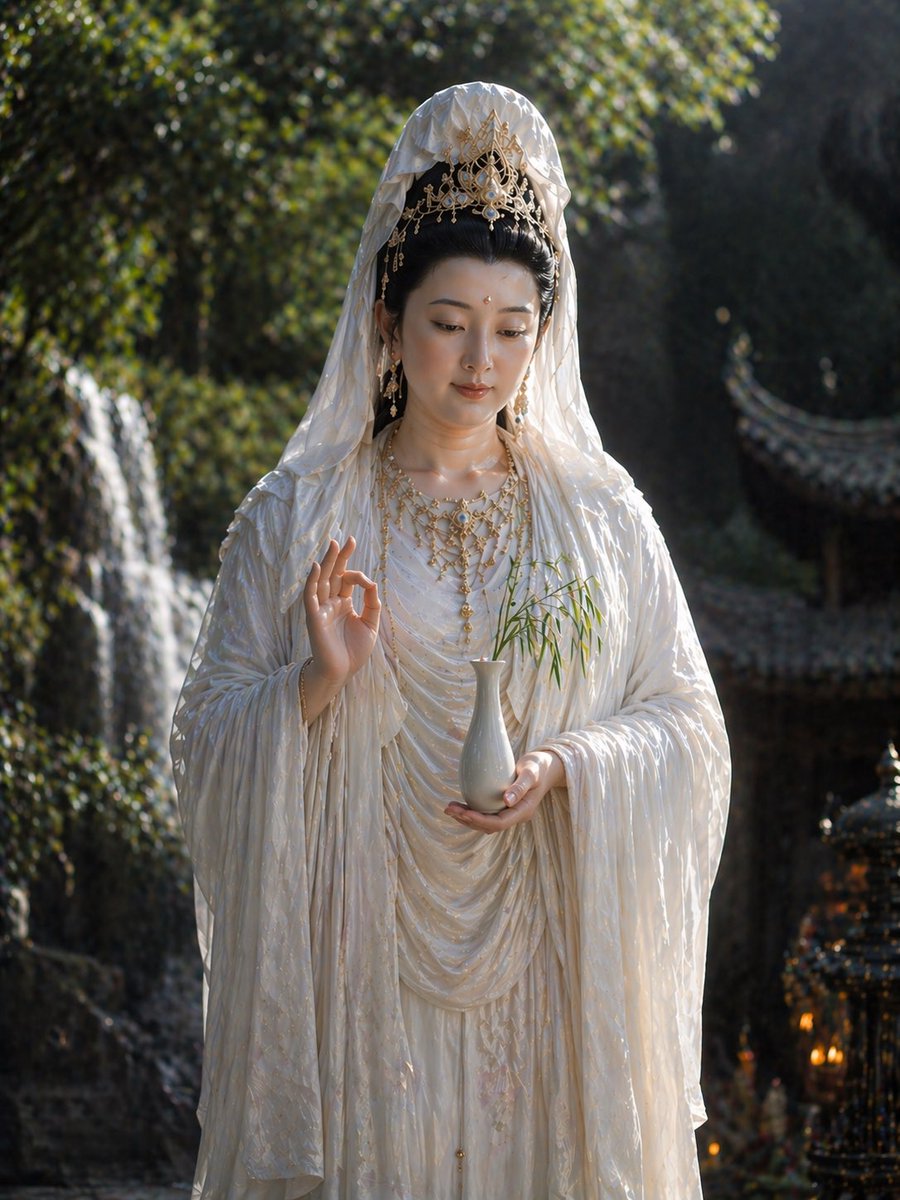
50 curated AI image prompts for GPT Image 2, Nano Banana Pro, and visual concept generation
Browse prompt examples for portraits, editorial concepts, fashion layouts, cinematic scenes, food photography, and stylized social visuals. Each prompt can be reused as a starting point for GPT Image 2, Nano Banana Pro, and related image generation workflows in VAN GOGH.
Built for creators who want a lighter workspace, faster output, and clear credits.
Testimonials, subscriptions, and credit packs make the homepage a complete entry point. Open the studio first, then understand trust, value, and pricing without leaving the page.
Create AI images, videos, music, and reusable workflows in VAN GOGH
VAN GOGH is a browser-based AI creative studio for text-to-image, image-to-video, AI song generation, image upscaling, background removal, and visual workflow orchestration. It is built for real creative work and commercial asset production.
Open the main creation tools
Direct entry points for frequent creative tasks.
Jump straight to models
Model pages stay easy to reach for power users and search traffic.
Common creative outputs
Task labels stay close to what users actually make.
Authoritative AI model and schema sources
These references document the model families, structured data vocabulary, and deployment surface used around the studio.
What VAN GOGH is for
VAN GOGH is a browser-based AI creative studio for image, video, music, and workflow orchestration. These answers explain what it does, who it helps, and how the core tools fit together.
What is the VAN GOGH studio?
VAN GOGH is a browser-based AI creative studio for AI image generation, AI video generation, AI music generation, background removal, image upscaling, and reusable workflows.
What can I create here?
You can create product visuals, social assets, character concepts, music demos, video concept shots, and automated creative workflow canvases in one workspace.
Which AI models are available?
The studio includes image models such as Nano Banana Pro, GPT Image 2, and Seedream, video models such as Veo, Kling, and Seedance, plus Suno for music generation.
Can I use references and workflows?
Yes. You can upload reference images for image generation and supported video workflows, then organize images, videos, audio, and creative steps on reusable visual canvases.
Who is it for?
It is for creators, marketing teams, designers, and anyone who wants AI image, video, music, and workflow automation in one browser workspace.