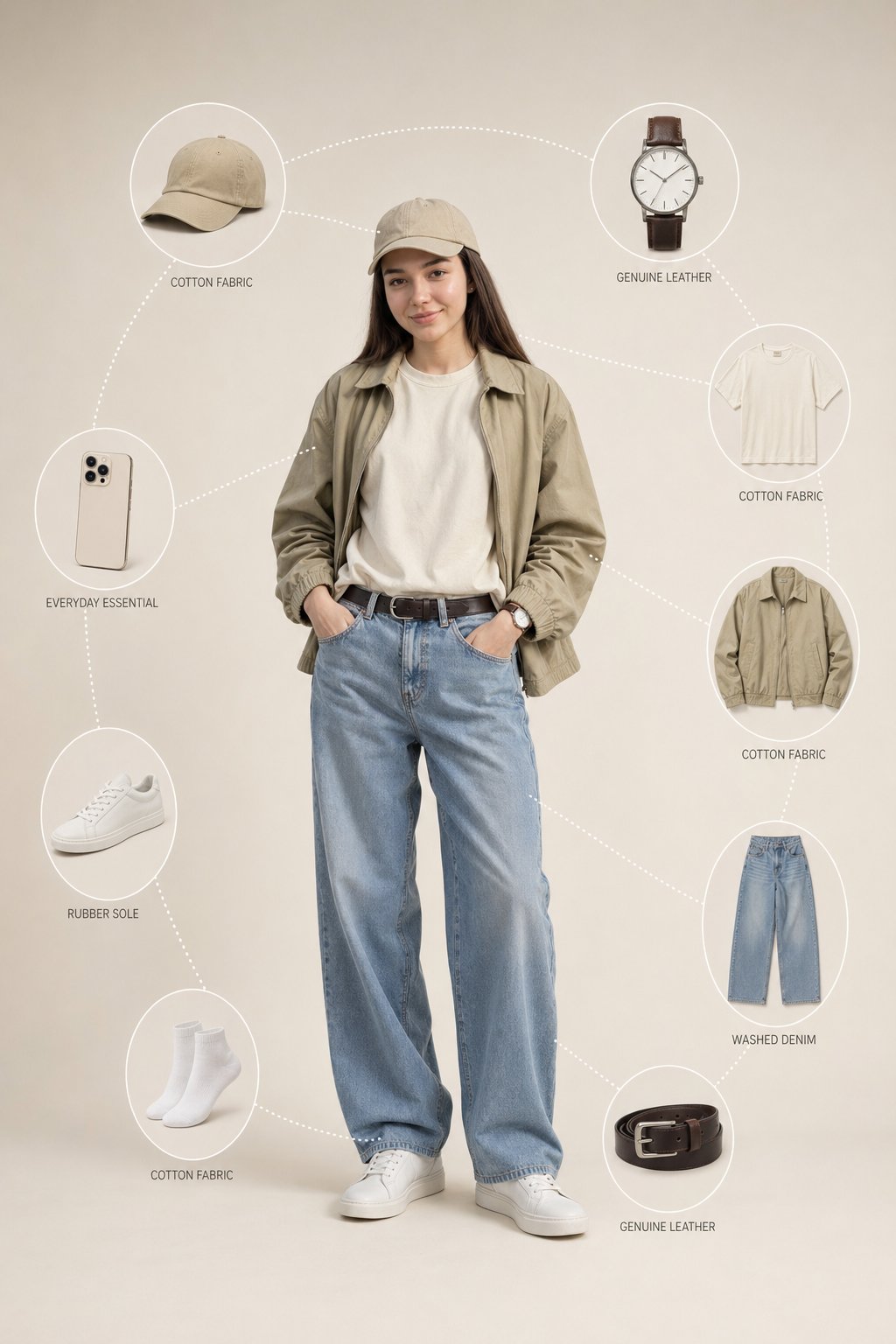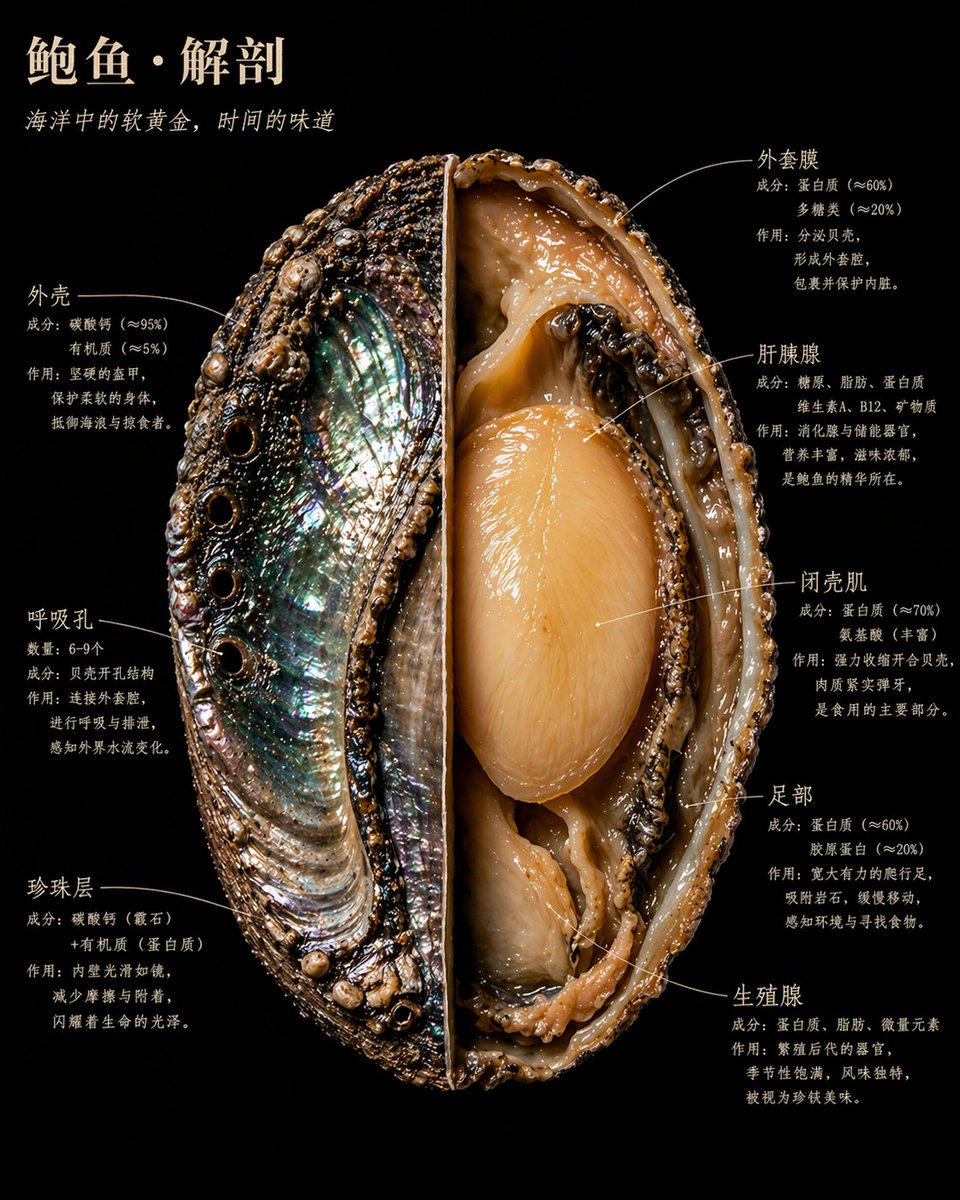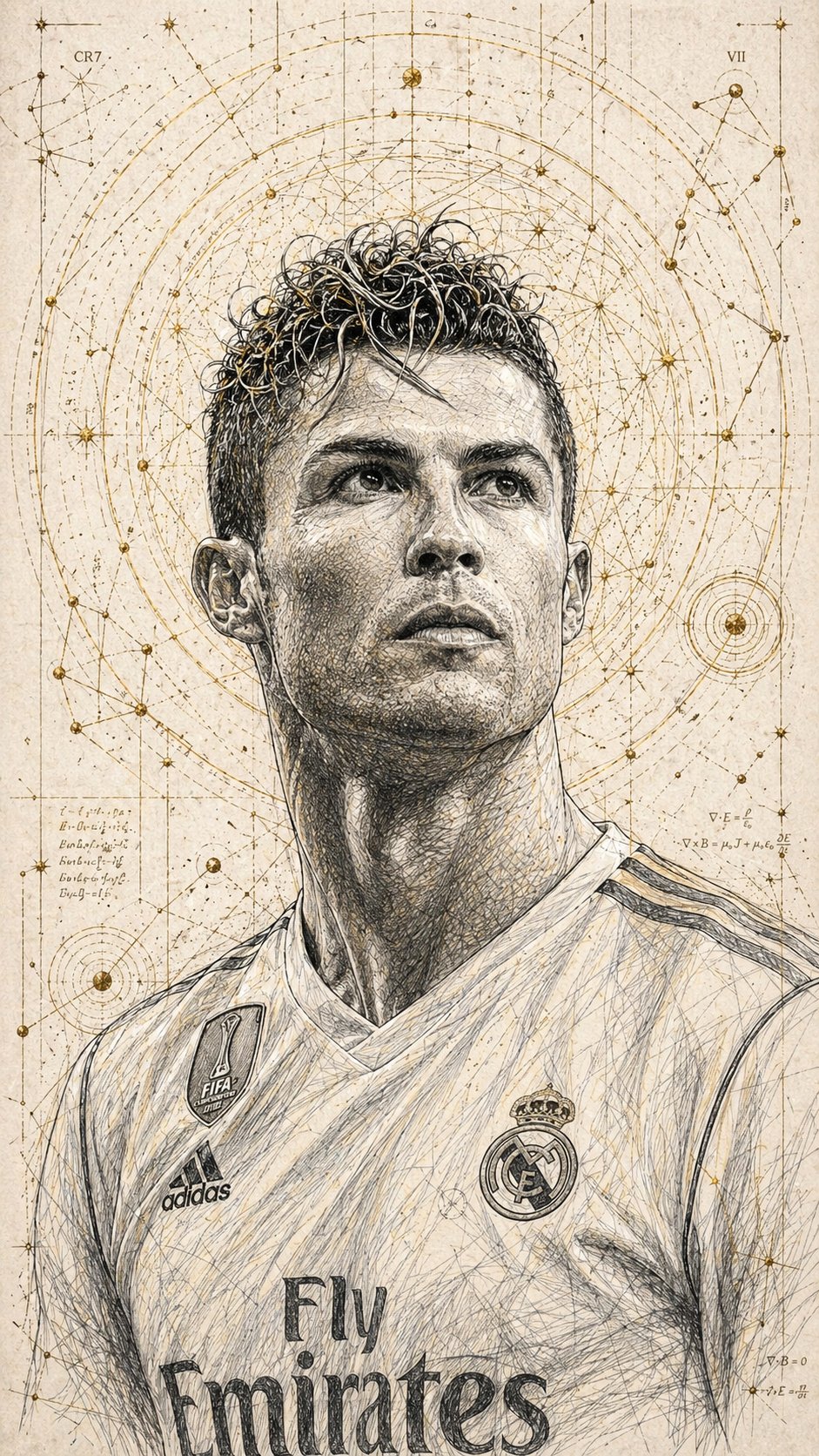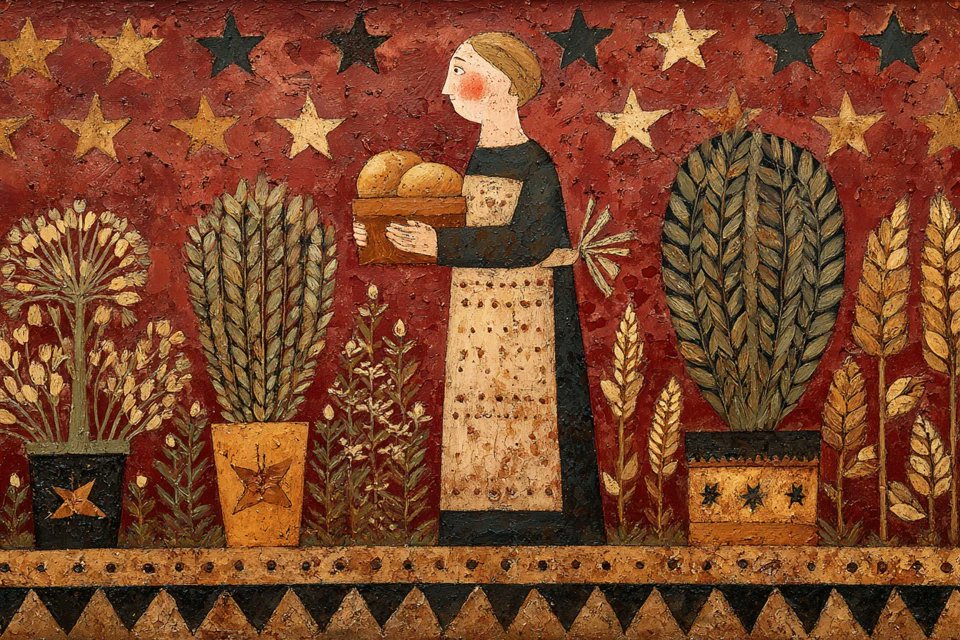



All-in-one AI Studio VAN GOGH

Image generation, video synthesis, music creation, and workflow orchestration in one workspace

Smart Mode
Generate images and complex tasks
Fast Mode
Quick planning and execution
SMART MODE
Nano Banana Pro
Nano Banana 2
Wan 2.7 Image Wan 2.7 Image
Z Z-Image
Flux-2 Pro
Flux-2 Flex
Seedream image generation model icon Seedream 4.5
Seedream image generation model icon Seedream 5 Lite
GPT Image 2 generation model icon GPT Image 2
G Grok Imagine
MJ Midjourney Fast
Image mode

Recent Projects

Creator feedback

Trusted by creators who need a lighter workspace, faster output, and clearer credits.

把用户评价、订阅价格和积分包放回 /home 后,整个入口页会更完整。用户先看到工作台,再马上看到信任感和计费方式,不需要再跳去别的页面理解产品值不值得用。

AI Creative Tools

Create AI images, videos, music, and reusable workflows in VAN GOGH

VAN GOGH is a browser-based AI creative studio for fast image generation, video synthesis, music creation, image upscaling, background removal, and visual workflow orchestration. Start with a prompt, add reference images when needed, then move from idea to production-ready creative assets in one workspace.

Use VAN GOGH for

Product visuals Social media creatives Character design Music demos Video concept shots Creative workflow automation
FAQ

Frequently asked questions

Quick answers about using VAN GOGH for image generation, video synthesis, music creation, and workflow building.

What can I create with VAN GOGH?

Create AI images, videos, music, background removal results, image upscales, and reusable workflow canvases from a single browser studio.

Can I use reference images?

Yes. Image generation and supported video modes can use uploaded reference images as visual context for the next generation.

Which AI models are available?

VAN GOGH includes image, video, and music models such as Nano Banana Pro, GPT Image 2, Seedream, Veo, Kling, Wan, Seedance, and Suno.

Does VAN GOGH support workflows?

Yes. The workflow builder helps organize reusable image, video, audio, and creative production steps on a visual canvas.